
Magento 2 QuickBooks Online Connector User Guide
Stop retyping Magento sales into QuickBooks. This guide shows how the Towering Media QuickBooks Connector ($299) syncs customers, products, inventory, orders, invoices, payments, refunds, and credit memos with QuickBooks Online—plus OAuth setup, queue/cron basics, troubleshooting, and FAQ.
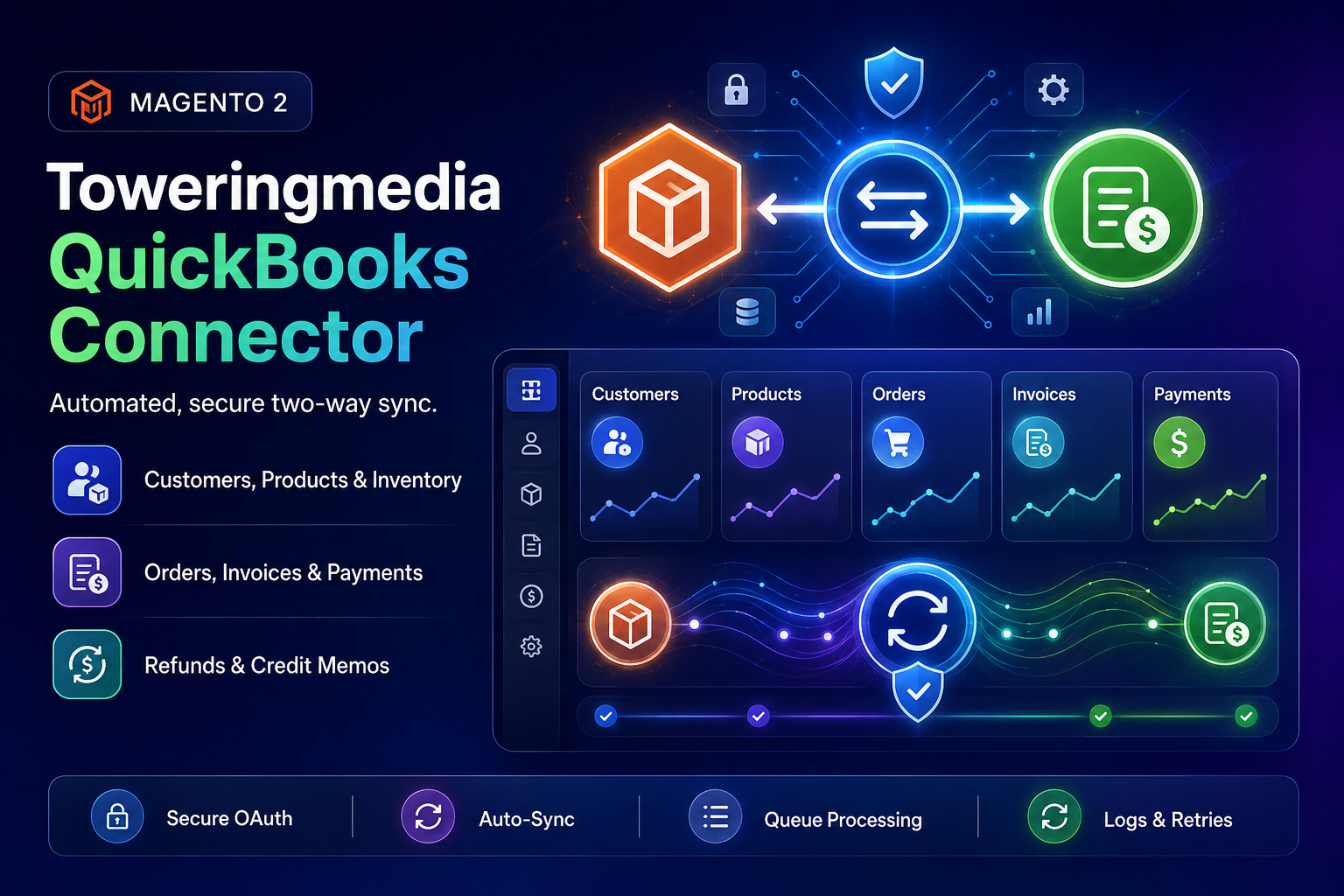
Product details, pricing, and add-to-cart live on the Toweringmedia QuickBooks Connector page. For Composer install patterns shared by Towering Media modules, see the Installation guide.
toweringmedia/module-quickbooks-connector (module Toweringmedia_QuickbooksConnector). module-quickbooks-online-connector does not exist and will fail. Copy the exact command from Installation Overview below.
Table of Contents
- Why Manual QuickBooks Entry Fails
- What This Extension Syncs
- Key Features
- System Requirements
- Installation Overview
- Connect QuickBooks Online (OAuth)
- Account & Tax Mapping
- Sync Customers
- Sync Products & Inventory
- Sync Orders, Invoices & Payments
- Queue, Cron, Logs & CLI
- Troubleshooting
- Two QuickBooks companies, sandbox, invoices, and bundles
- Frequently Asked Questions
- Related Extensions & Resources
- Get the Extension
Why Manual QuickBooks Entry Fails
Growing Magento stores often keep accounting in QuickBooks Online while catalog and checkout live in Magento. Without a connector, teams copy data by hand—or export CSVs and hope nothing is missed:
- Wasted hours — every order, invoice, payment, and refund is re-entered into QuickBooks
- Out-of-sync inventory — stock sold on Magento does not update QuickBooks (or the reverse)
- Customer duplicates — guests, address changes, and typos create messy customer lists
- Accounting risk — missing payments, wrong tax lines, or delayed refunds show up at month-end
- No visibility — when a sync fails, you rarely know which record or why
What This Extension Syncs
The Toweringmedia QuickBooks Connector connects Magento 2 to QuickBooks Online with secure Intuit OAuth 2.0. Synchronization runs through a reliable queue with retries, admin logs, cron dispatch, and CLI tools.
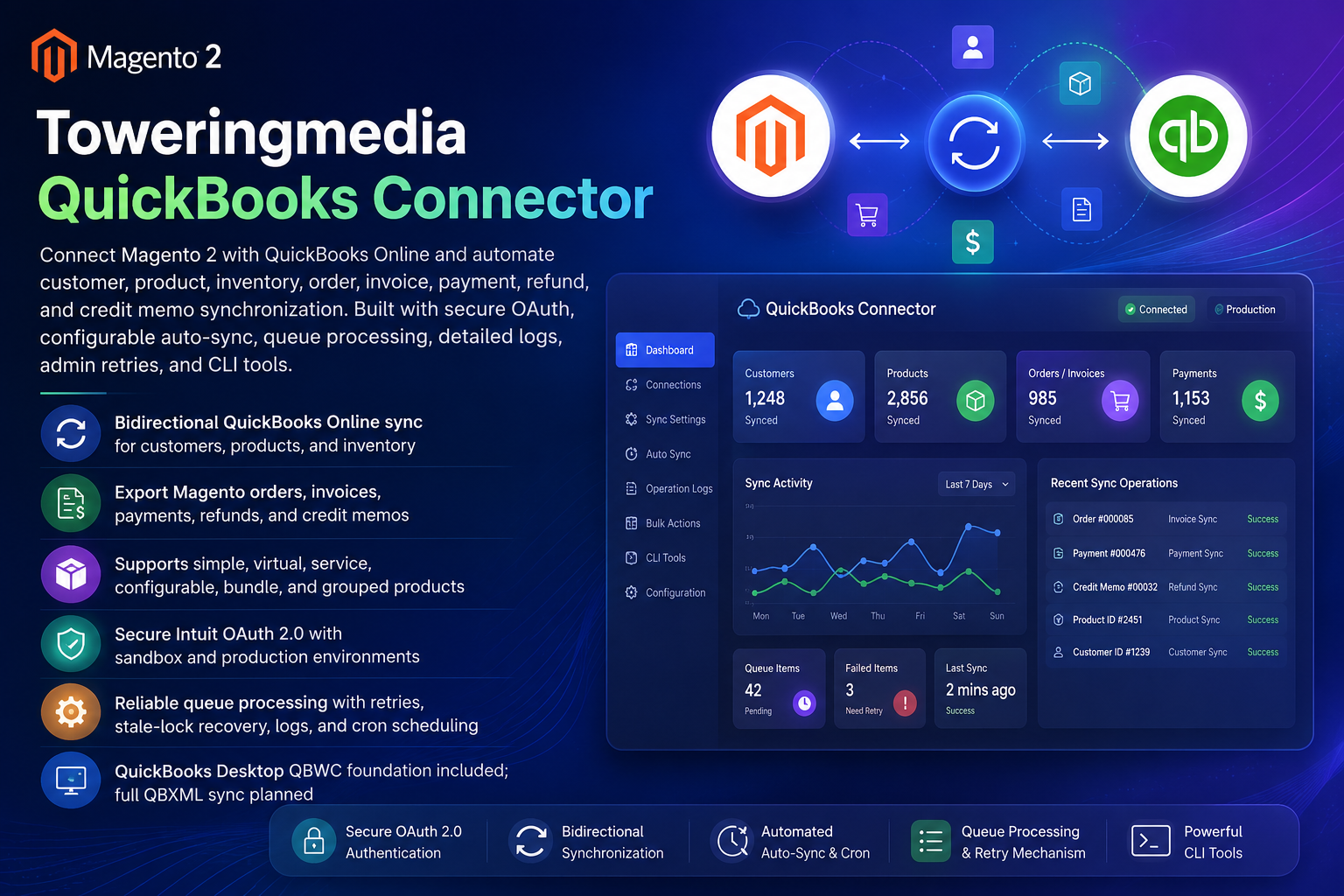
Customers
Export Magento customers (including guests from orders). Optionally import QuickBooks customers into Magento with a clear conflict policy.
Products & inventory
Sync simple, virtual, service, configurable, bundle, and grouped products. Push or pull inventory quantities for mapped items.
Orders & invoices
Export Magento orders as QuickBooks invoices with tax, shipping, and discount lines, then chain payment export.
Refunds & credit memos
Export Magento credit memos and refunds so returns stay aligned with QuickBooks Online.
- Bidirectional sync for customers, products, and inventory (configurable directions)
- Outbound sales documents: orders → invoices, payments, refunds, credit memos
- Sandbox and production Intuit environments
- Queue processing with automatic retries and stale-lock recovery
- Admin Sync Operation Logs with Retry mass action
- QuickBooks Desktop QBWC foundation included; full QBXML sync planned
Key Features
- Secure Intuit OAuth 2.0 with encrypted token storage (tokens are not stored as plain system config)
- Configurable auto-sync observers for customers, products, stock, orders, invoice payment, and credit memos (all default off)
- Bulk mass actions on Customers, Products, and Sales Orders admin grids
- Tax mapping and payment-method → deposit-account mappings
- Default Income Account ID and Shipping Item ID for accurate QuickBooks item/invoice lines
- Inbound import conflict policy: Skip If Exists or QuickBooks Wins
- CLI commands for enqueue, import, status, and stale recovery
- Hyvä-compatible backend integration (no Luma-only frontend dependency)
System Requirements
- Magento: 2.4.x (Open Source & Adobe Commerce)
- PHP: 8.1, 8.2, or 8.3
- QuickBooks: QuickBooks Online company + Intuit Developer app (Client ID / Client Secret)
- Towering Media Composer repository credentials
- Working Magento cron (and a queue consumer for async sync execution in production)
General Composer install steps for Towering Media modules: Installation guide.
Installation Overview
Step 1: Authenticate Composer
Add your Towering Media credentials to auth.json in the Magento root (same pattern as other Towering Media extensions).
Step 2: Require the package
composer require toweringmedia/module-quickbooks-connector
php bin/magento module:enable Toweringmedia_QuickbooksConnector
php bin/magento setup:upgrade
php bin/magento cache:flush
Step 3: Deploy for production
Production stores should follow your normal deploy process (compile + static content as needed). Confirm schema is current with bin/magento setup:db:status.
Need help installing? Contact Towering Media or browse more modules in Magento 2 Extensions.
Connect QuickBooks Online (OAuth)
- Log in to Magento Admin.
- Go to Stores → Configuration → Towering Media → QuickBooks Connector.
- Under General, set Enable to Yes and choose connector type QuickBooks Online.
- Open the QuickBooks Online group. Set Environment to Sandbox (testing) or Production.
- Enter your Intuit Client ID and Client Secret.
- Copy the read-only Redirect URL shown in Magento and register that exact URI in the Intuit Developer Portal Redirect URIs list.
- Click Connect to QuickBooks, authorize the company, and confirm Token Status shows connected with a Realm / Company ID.
- Save Config, then flush Magento cache.
https://{your-domain}/{admin-front-name}/quickbooksconnector/qbo_oauth/callback. Use your real admin front name—do not invent a path.
Account & Tax Mapping
Accurate invoices need a few QuickBooks IDs configured once:
- Default Income Account ID — required when creating NonInventory / Service items in QuickBooks Online
- Shipping Item ID — Service item used for shipping lines on exported invoices
- Tax Mapping — default QuickBooks tax code, optional Magento tax class / rate JSON maps
- Payment Method Deposit Account Mappings — one line per Magento payment method:
method_code=deposit_account_id
Find numeric IDs in QuickBooks Online (Chart of accounts / item detail URLs or API), then paste them into Magento at default or website scope.
Sync Customers
- Enable Customer Export (Magento → QuickBooks) under Entity Sync when you are ready.
- Optionally turn on Auto-Sync Customers on Save (defaults to No).
- Use the Customers grid mass action Sync to QuickBooks, or CLI enqueue for backfill.
- For inbound: enable Customer Import under Inbound Import and choose Skip If Exists or QuickBooks Wins.
Sync Products & Inventory
- Enable product export and review the Bundle / Grouped Export Strategy (skip parents or flatten to child simples).
- Configurable products export the parent and child variants.
- Enable inventory sync and choose direction: export to QBO, import from QBO, or both.
- Bulk-sync from the Catalog Products grid, or use CLI enqueue / import commands.
HTML is stripped from Magento descriptions before send. Map income / expense accounts so new QuickBooks items land in the right chart of accounts.
Sync Orders, Invoices & Payments
- Enable order / invoice / payment / refund / credit memo export flags that match your rollout.
- Set the Order Status Allowlist for auto-sync (default often
processing,complete). - From Sales Orders, use mass action Sync Invoice to QuickBooks, or let auto-sync and cron handle new paid invoices.
- Confirm shipping and discount lines appear on the QuickBooks invoice when those amounts exist on the Magento order.
Queue, Cron, Logs & CLI
Manual and automatic sync actions enqueue operations. Cron dispatch plus the message-queue consumer execute them.
- Sync Schedule — enable cron dispatch, set interval (default 5 minutes), batch size, and per-entity dispatch toggles
- Sync Operation Logs — admin grid under System → QuickBooks Connector with connection health and Retry mass action
- Queue consumer — run
toweringmedia.quickbooks.sync.executein production (supervisor/systemd)
# Backfill / bulk enqueue
php bin/magento toweringmedia:quickbooks:sync:enqueue-customers
php bin/magento toweringmedia:quickbooks:sync:enqueue-products
php bin/magento toweringmedia:quickbooks:sync:enqueue-orders
php bin/magento toweringmedia:quickbooks:sync:enqueue-all

# Inbound import
php bin/magento toweringmedia:quickbooks:sync:import-customers
php bin/magento toweringmedia:quickbooks:sync:import-products

# Health
php bin/magento toweringmedia:quickbooks:sync:status
php bin/magento toweringmedia:quickbooks:sync:recover-stale
Pair QuickBooks synchronization with Magento 2 Reporting Pro and its Reporting Pro user guide to compare synced accounting records with Magento sales and customer insights.
Troubleshooting
OAuth will not connect
- Confirm Client ID/Secret match the Intuit app environment (Sandbox vs Production)
- Redirect URI in Intuit must match Magento’s displayed callback exactly (HTTPS + real admin front name)
- Re-connect after rotating Intuit credentials
Operations stay pending
- Verify Magento cron is running every minute
- Confirm Sync Schedule → Enable Cron Dispatch is Yes
- Ensure the queue consumer
toweringmedia.quickbooks.sync.executeis running - Check Sync Operation Logs for error detail; use Retry on eligible failures
Invoice missing shipping or tax
- Set Shipping Item ID and Tax Mapping before exporting taxable / shipped orders
- Confirm payment method deposit account mappings for payment export
Duplicate customers or products
- Review inbound conflict policy (Skip If Exists vs QuickBooks Wins)
- Do not enable inbound import until outbound mappings are stable
Still stuck? Contact support with the Sync Operation Log error text (never send Client Secrets or OAuth tokens in plain email).
Two QuickBooks companies, sandbox, invoices, and bundles
Separate Magento websites, such as Ireland and the UK, can each connect to a different QuickBooks Online company at the same time. Set Connection Profile Scope Mode to Website and connect OAuth on each website. Store views inside one website cannot. Magento 2.4.6 and PHP 8.2 are in the supported range (Magento 2.4.x, PHP 8.1–8.3).
The Intuit Developer sandbox is supported. Set Environment to Sandbox or Production on each website.
Invoice export cannot run while order export is off. Enable Order Export. Orders that are not fully paid always become a QuickBooks invoice, never a sales receipt. Fully paid orders use Paid-at-Checkout Document Type, which defaults to Invoice, so sales receipts stay off. Payment Export queues only when money is already captured during that order export. A later payment does not sync by itself. Set Order Status Allowlist to complete to wait until the Magento order is Complete, or use Sync Invoice to QuickBooks after the order is paid.
Bundle invoice lines use the parent order line and skip child simples. A fixed-price bundle is one line at the bundle price. A dynamic-price bundle keeps the price on the children, so those lines are skipped and the parent can export at $0. Skip or flatten only creates QuickBooks catalog items. 77 bundles and 1742 simples follow the same rule. An unmapped parent uses the QuickBooks Services item. The full note is QuickBooks Connector: two companies, invoices, and bundles.
Frequently Asked Questions
Does it sync both ways?
Yes for customers, products, and inventory—you choose export, import, or both. Sales documents (orders/invoices/payments/refunds/credit memos) export Magento → QuickBooks Online.
Which product types are supported?
Simple, virtual, service, configurable (parent + children), bundle, and grouped—with a configurable strategy for bundle/grouped parents.
Is QuickBooks Desktop supported?
A QuickBooks Web Connector (QBWC) foundation is included. Full QBXML sync is planned; QuickBooks Online is the shipped production path today.
Is it Hyvä compatible?
Yes. The connector runs in Magento admin/backend services and does not depend on Luma storefront templates.
Can I verify before go-live?
Yes. Use the Intuit Sandbox environment, sync a small set of customers/products/orders, review Sync Operation Logs, then switch to Production keys and re-connect.
Where is the documentation?
This CMS page is the primary shopper-facing user guide for the QuickBooks Connector. Product details and purchase: product page. Composer pattern: Installation.
How much does it cost?
$299 for the Toweringmedia QuickBooks Connector (see current pricing on the product page).
Related Extensions & Resources
Want our Magento team to handle it?
Towering Media installs, configures, and customizes QuickBooks Online Connector for Magento 2 stores — along with API integrations, accounting and CRM sync, and carrier or fulfillment connections.
Get the Extension
Automate Magento → QuickBooks Online without CSV gymnastics. Secure OAuth, queue-based sync, admin retries, and CLI tools—built for real production stores.