
Security AI for Magento 2 User Guide
CMS pages are a common place for injected scripts and risky HTML to hide. This guide covers Security AI ($199)—deterministic regex checks plus AI Core risk summaries, scheduled full scans, and save-triggered checks from a clean findings grid.
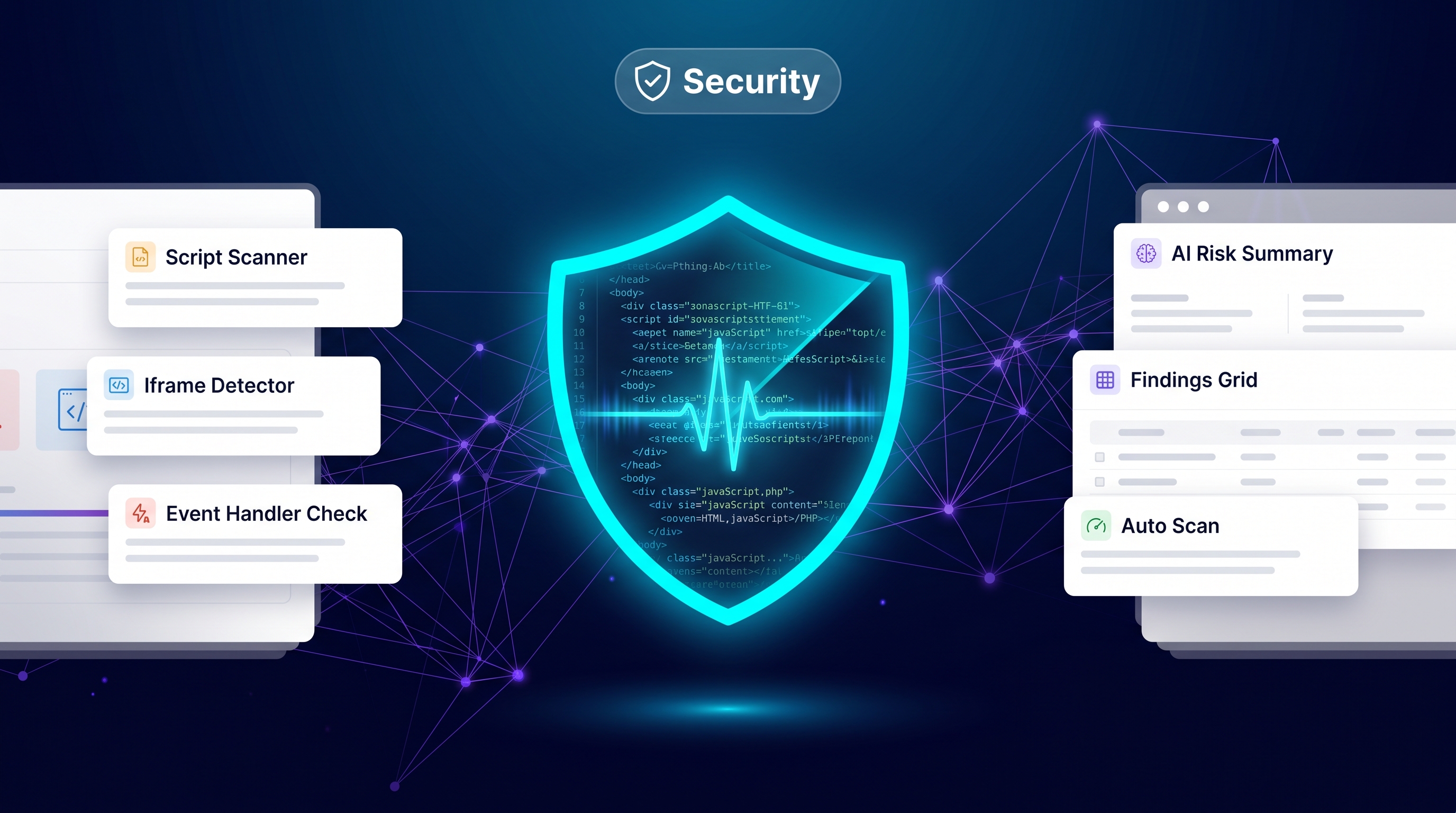
This page is the primary shopper overview. Product details, pricing, and add-to-cart live on the Security AI for Magento 2 page. General Composer install steps: Installation guide.
Table of Contents
Why Magento CMS Content Is a Security Risk
Merchants and agencies edit CMS HTML daily. Without scanning:
- Injected scripts — compromised accounts or bad paste can introduce malware markup
- Dangerous patterns —
javascript:URLs, event handlers, and suspicious iframes slip through - No audit trail — risky content is found only after customers report issues
What Security AI Solves
Security AI automatically scans Magento CMS content for security risks and surfaces findings in admin.
- Deterministic regex checks for dangerous HTML patterns
- AI Core-powered risk summaries (when AI Core is available)
- Scheduled full scans and save-triggered checks
- Findings grid for triage and remediation
Key Features
- CMS content security scanning
- Scheduled + real-time save checks
- Admin findings grid
- Optional AI summaries via AI Core
System Requirements
- Magento: 2.4.4 – 2.4.7+ (Open Source & Adobe Commerce)
- PHP: 8.1, 8.2, or 8.3
- Towering Media Composer repository credentials
- Optional: AI Core for AI risk summaries
General Composer install steps for Towering Media modules: Installation guide.
Setup Overview
Install Security AI, enable scanning, then run an initial full scan before relying on save-triggered checks.
Install with Composer
composer require toweringmedia/module-security-ai
php bin/magento setup:upgrade
php bin/magento cache:flush
Step 1: Install the module
Require toweringmedia/module-security-ai, upgrade Magento, and flush cache.
Step 2: Configure scan rules
Enable Security AI in admin configuration and confirm which CMS scopes are included.
Step 3: Run a full scan
Launch a scheduled or manual full scan, then triage the findings grid—fix or whitelist intentionally.
Need help? Contact Towering Media or browse Magento 2 Extensions.
Frequently Asked Questions
Does Security AI replace a WAF?
No. It focuses on Magento CMS content patterns. Keep hosting/WAF and Magento security patches in place.
Do I need AI Core?
Regex scanning works without it. AI Core unlocks richer risk summaries.
Will it modify CMS pages automatically?
It surfaces findings for human remediation; review before changing live content.
Related Extensions & Resources
Also useful: Installation · Contact support · All Magento 2 extensions
Want our Magento team to handle it?
Towering Media installs, configures, and customizes Security AI for Magento 2 stores — along with custom Magento 2 module development, AI features, and security hardening.
Scan Magento CMS content before it bites
Catch risky HTML patterns early with Security AI for Magento 2.