
Toweringmedia AI Core for Magento 2 User Guide
Every Magento AI feature needs keys, models, budgets, and guardrails—once, not per module. This overview covers AI Core ($199/mo). Deep screenshots and technical steps stay in the wiki (PDP User Guide remains wiki-primary).
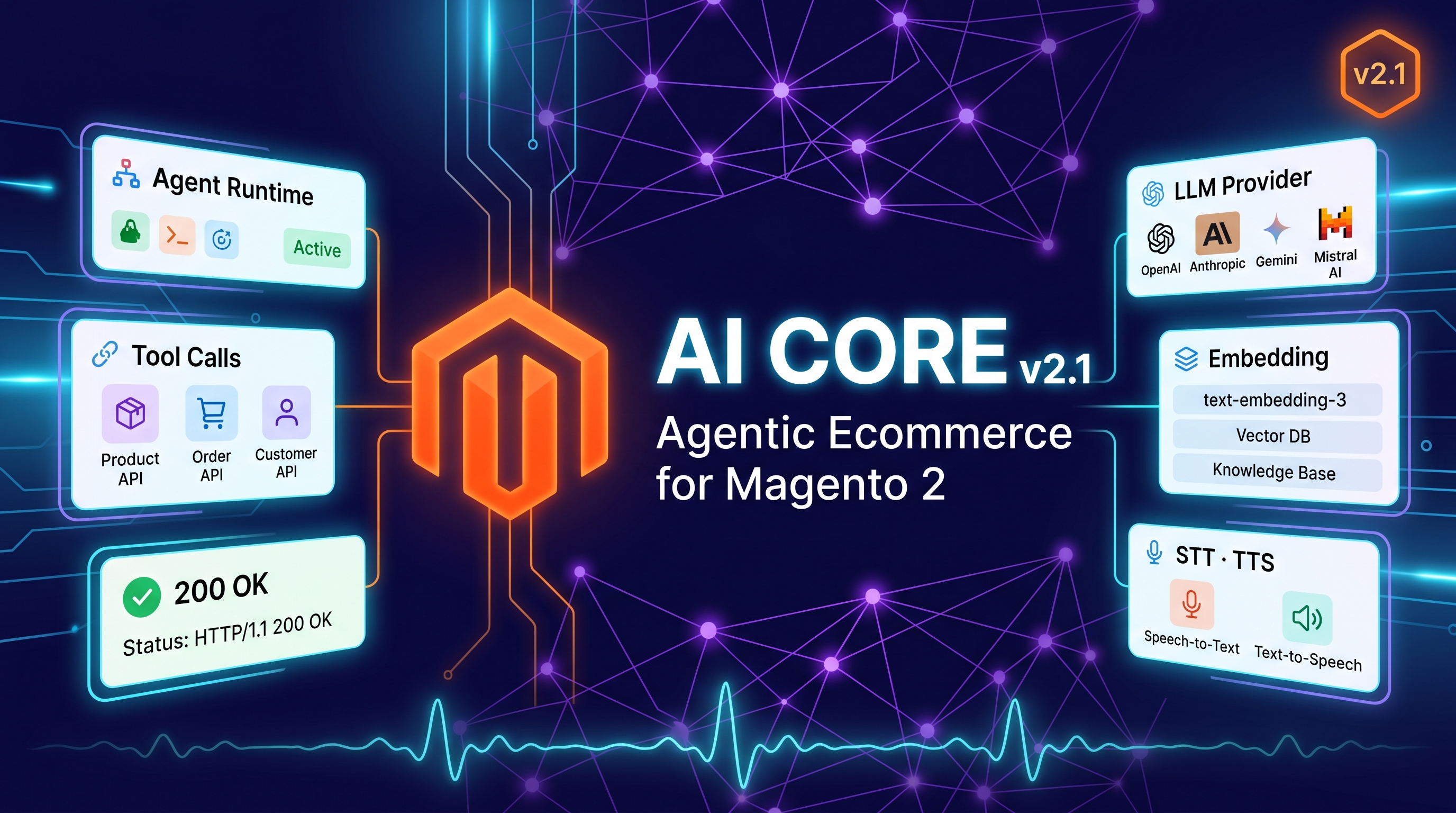
Detailed technical docs live in the wiki documentation. Product details and licensing are on the Toweringmedia AI Core for Magento 2 page.
Table of Contents
Why Magento AI Needs a Shared Layer
Without a shared foundation, each AI module reinvents HTTP clients and safety gates:
- Duplicate API keys — OpenAI/Gemini configured in multiple places
- No budget control — one chatty feature can burn the month
- Inconsistent safety — prompts escape without common gates
What AI Core Solves
Toweringmedia AI Core is the shared mechanics layer for Towering Media AI extensions.
- Configure OpenAI, Google Gemini, Whisper, TTS, and more once
- Daily budgets and safety gates
- Composer-licensed plumbing inherited by Nora, Search Intelligence, Product Builder, and more
- One license activates the AI foundation for dependent modules
Key Features
- Shared providers & models
- Budgets & safety gates
- Inherited by suite AI modules
- Subscription licensing ($199/mo)
System Requirements
- Magento: 2.4.4 – 2.4.7+ (Open Source & Adobe Commerce)
- PHP: 8.1, 8.2, or 8.3
- Towering Media Composer repository credentials
- Provider API keys (OpenAI, Gemini, etc.)
General Composer install steps for Towering Media modules: Installation guide.
Setup Overview
This CMS page is the overview. Follow the wiki for field-level screenshots after install.
Install with Composer
composer require toweringmedia/module-ai-core
php bin/magento setup:upgrade
php bin/magento cache:flush
Step 1: Install AI Core
Require toweringmedia/module-ai-core, upgrade Magento, and open AI Core configuration.
Step 2: Add providers & budgets
Enter API keys, choose default models, and set daily spend limits.
Step 3: Enable dependent modules
Install Nora, Search Intelligence LLM, Security AI summaries, etc.—they inherit Core settings.
Step 4: Read the wiki
Use the AI Core wiki for detailed admin walks.
Need help? Contact Towering Media or browse Magento 2 Extensions.
Frequently Asked Questions
Is AI Core required for Nora?
Yes—Nora AI requires Toweringmedia AI Core.
Is this a one-time purchase?
AI Core is a $199/month auto-renewing subscription; cancel anytime at period end.
Where is the full technical guide?
See the wiki documentation.
Related Extensions & Resources
Also useful: Installation · Contact support · All Magento 2 extensions
Want our Magento team to handle it?
Towering Media installs, configures, and customizes AI Core for Magento 2 stores — along with custom Magento 2 module development, AI features, and security hardening.
Power every Magento AI module from one core
Set providers, budgets, and safety gates once with Toweringmedia AI Core.