
Magento 2 HubSpot Connector User Guide
Sales and marketing stall when Magento orders never reach HubSpot. This guide shows how the Magento 2 HubSpot Connector ($169) syncs customers, companies, orders, and products—plus install overview, admin setup, automation tips, troubleshooting, and FAQ.
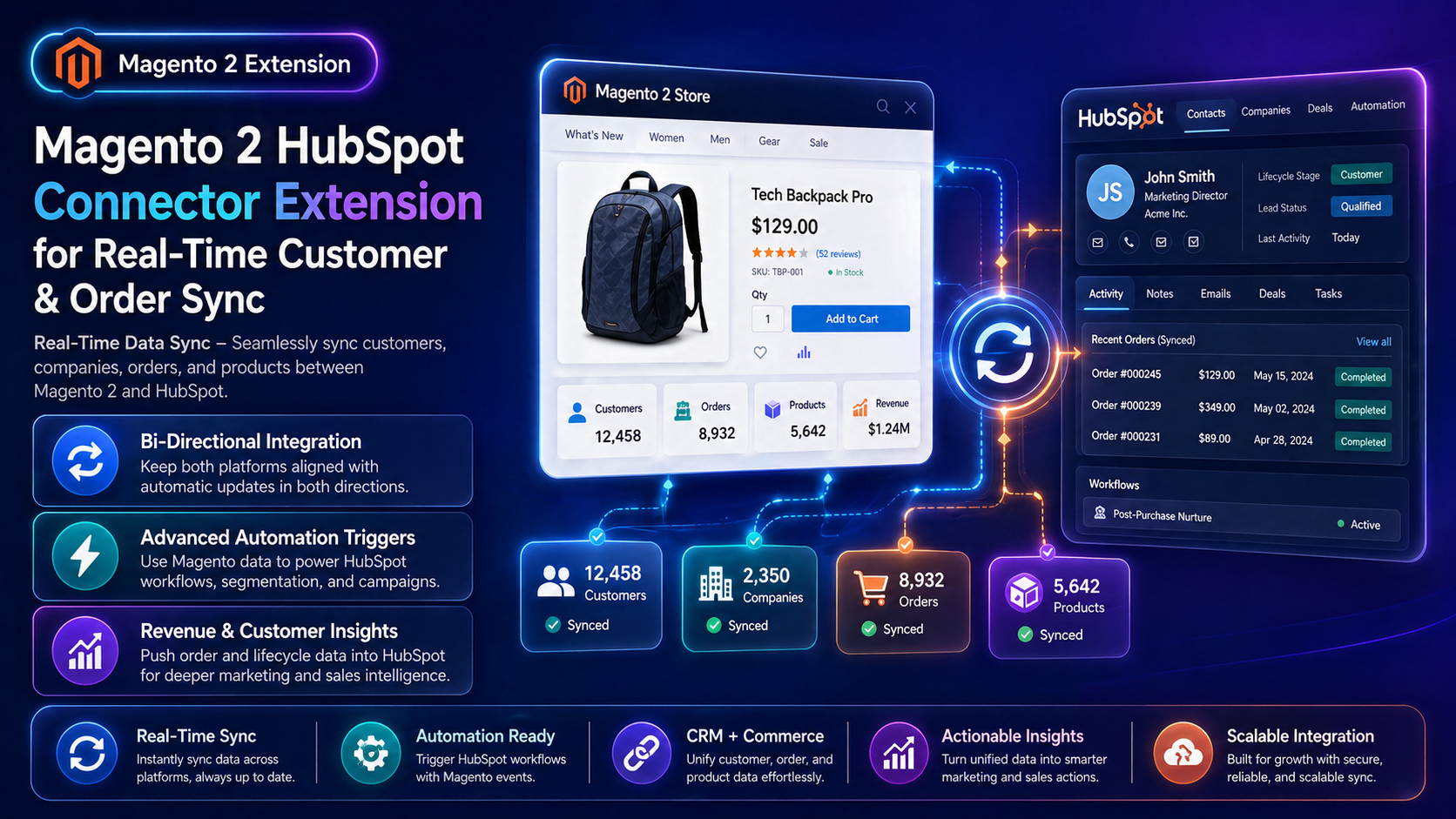
There is no separate wiki page for this module yet—this CMS guide is the primary how-to. Product details and add-to-cart live on the Magento 2 HubSpot Connector Extension page. Browse more modules in Magento 2 Extensions.
toweringmedia/module-hubspot-integration (module Toweringmedia_HubspotIntegration). Typing the product name into Composer returns “package not found”. Copy the exact command from Installation Overview below.
Table of Contents
Why Magento & HubSpot Fall Out of Sync
Without a native connector, teams paste CSVs or rely on brittle middleware:
- Missing deal context — HubSpot reps cannot see Magento order history
- Stale segments — lifecycle emails fire on incomplete purchase data
- Manual ops — nightly exports break when attributes change
- One-way traps — updates in HubSpot never return to Magento
What This Extension Solves
The Magento 2 HubSpot Connector keeps Magento ecommerce data connected to HubSpot for CRM, automation, and revenue insight.
- Near real-time sync for customers, companies, orders, and products
- Bi-directional alignment so both platforms stay useful
- Automation triggers that use Magento events inside HubSpot workflows
- Richer revenue and lifecycle reporting inside HubSpot
- Hyvä-compatible stores (connector is backend/integration focused)
Key Features
- Customer & company sync into HubSpot CRM objects
- Order / product data for pipeline and marketing context
- Configurable field mappings where supported
- Workflow-friendly events for campaigns and sales alerts
- Open Source & Adobe Commerce Magento 2.4.x
System Requirements
- Magento: 2.4.4 – 2.4.7+ (Open Source & Adobe Commerce)
- PHP: 8.1, 8.2, or 8.3
- Towering Media Composer repository credentials
- A HubSpot account with private app / API access appropriate for your portal
General Composer install steps: Installation guide.
Installation Overview
Step 1: Authenticate Composer
Add your Towering Media credentials to auth.json in the Magento root (same pattern as other Towering Media extensions).
Step 2: Require the package
composer require toweringmedia/module-hubspot-integrationStep 3: Enable and upgrade
php bin/magento module:enable Toweringmedia_HubspotIntegration
php bin/magento setup:upgrade
php bin/magento setup:di:compile
php bin/magento setup:static-content:deploy -f
php bin/magento cache:flush
Exact module enable name may match your package’s registration.php/module.xml—confirm in the package after install. Production stores should follow your normal deploy process.
Connect HubSpot in Admin
Authorize HubSpot and choose which objects sync:
- Log in to Magento Admin.
- Go to Stores → Configuration → Toweringmedia → HubSpot (path may appear under Towering Media integrations).
- Paste HubSpot access credentials / private app token as documented for your version.
- Enable customer, company, order, and/or product sync as needed.
- Map any custom properties your portal expects.
- Save Config, flush cache, then place a test order / create a test customer to verify sync.
Sync Behavior & Automations
Once connected, Magento changes can update HubSpot records that power lists, sequences, and deal stages. Use HubSpot workflows to react to Magento order milestones (first purchase, high AOV, repeat buyer).
- Verify contact and deal properties after the first live orders
- Keep property names consistent when adding custom Magento attributes
- Pair with Google Tag Manager when ads + CRM both need clean conversion data
Troubleshooting
Nothing appears in HubSpot
- Confirm credentials and Enable = Yes
- Check Magento exception log for HubSpot API errors
- Verify the HubSpot app scopes include CRM objects you sync
Partial field sync
- Confirm custom property internal names match
- Re-save mapping after HubSpot property renames
Duplicate contacts
- Confirm email is the primary match key
- Review merge rules in HubSpot
Still stuck? Contact support with the exact admin error text or log snippet (never paste API secrets or private keys in plain email).
Frequently Asked Questions
Is sync real-time?
It is designed for near real-time customer and order updates as Magento events fire—exact timing depends on queue/cron and HubSpot API limits.
Does it support Hyvä?
Yes. The connector does not require Luma checkout templates.
How much does it cost?
$169 — see the product page for current pricing and renewal options.
Can Towering Media customize mappings?
Yes. Contact us with the HubSpot properties and Magento attributes you need.
Related Extensions & Resources
Want our Magento team to handle it?
Towering Media installs, configures, and customizes HubSpot Connector for Magento 2 stores — along with API integrations, accounting and CRM sync, and carrier or fulfillment connections.
Get the Extension
Stop copy-pasting Magento orders into HubSpot. Connect once, sync customers and orders, and let HubSpot workflows run on real ecommerce data.