
Magento 2 Constant Contact User Guide
Marketing lists go stale when Magento customers and Constant Contact contacts drift apart. This guide shows how Toweringmedia Constant Contact ($299) connects Magento 2 with Constant Contact API v3—OAuth, bidirectional sync, queue processing, conflict rules, install overview, troubleshooting, and FAQ.
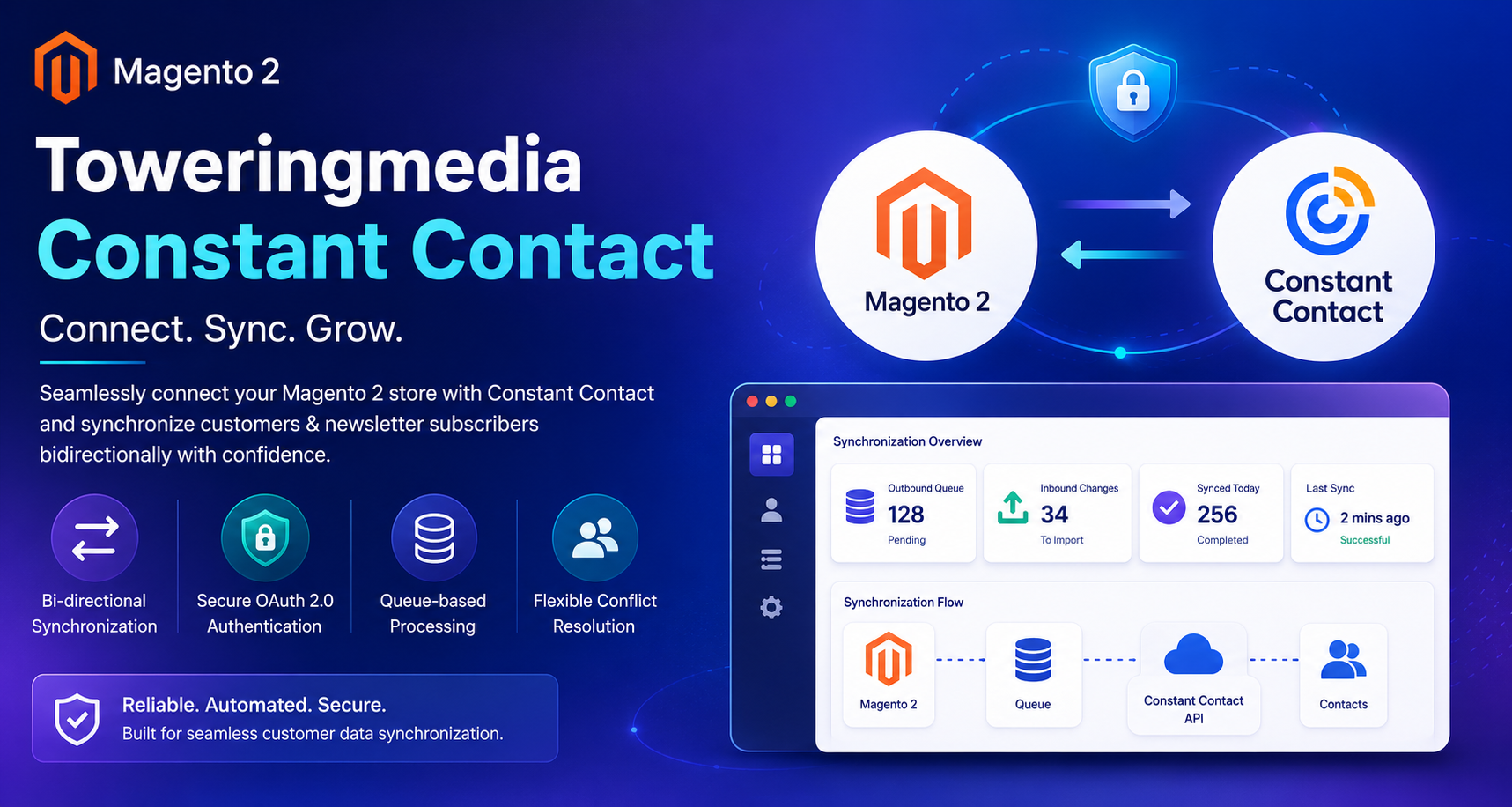
There is no separate wiki page for this module yet—this CMS guide is the primary how-to. Product details and add-to-cart live on the Toweringmedia Constant Contact (Magento 2) page. Browse more modules in Magento 2 Extensions.
Table of Contents
Why Magento & Constant Contact Drift Apart
Manual CSV exports or one-way plugins leave marketing and ecommerce out of sync:
- Stale lists — new Magento customers never reach Constant Contact segments
- Unsubscribe gaps — preference changes on one side are ignored on the other
- Fragile auth — long-lived API keys fail when access is rotated
- No conflict policy — duplicates and mismatched emails create messy campaigns
What This Extension Solves
The Toweringmedia Constant Contact extension synchronizes Magento customers and newsletter subscribers with Constant Contact using API v3 and OAuth 2.0.
- Bidirectional sync for customers and newsletter subscribers
- Secure OAuth 2.0 connection
- Queue-based outbound processing so large catalogs do not block admin
- Scheduled inbound polling to pull remote changes back into Magento
- Flexible conflict resolution when both sides change the same contact
- Hyvä-compatible storefronts (integration is admin/backend)
Key Features
- Constant Contact API v3 + OAuth authorize flow from Magento Admin
- Outbound push for new/updated Magento customers and subscribers
- Inbound reconcile for list membership and contact updates
- Configurable mapping and conflict rules
- Queue visibility for retries and failed jobs
- Open Source & Adobe Commerce Magento 2.4.x
System Requirements
- Magento: 2.4.4 – 2.4.7+ (Open Source & Adobe Commerce)
- PHP: 8.1, 8.2, or 8.3
- Towering Media Composer repository credentials
- A Constant Contact account with API / OAuth application access
General Composer install steps: Installation guide.
Installation Overview
Step 1: Authenticate Composer
Add your Towering Media credentials to auth.json in the Magento root (same pattern as other Towering Media extensions).
Step 2: Require the package
composer require toweringmedia/module-constant-contactStep 3: Enable and upgrade
php bin/magento module:enable Toweringmedia_ConstantContact
php bin/magento setup:upgrade
php bin/magento setup:di:compile
php bin/magento setup:static-content:deploy -f
php bin/magento cache:flush
Exact module enable name may match your package’s registration.php/module.xml—confirm in the package after install. Production stores should follow your normal deploy process.
Connect & Configure Sync
After install, authorize Constant Contact and choose what syncs:
- Log in to Magento Admin.
- Open Stores → Configuration → Toweringmedia → Constant Contact (label may vary slightly by version).
- Enter OAuth client credentials from your Constant Contact developer app.
- Click authorize / connect and complete the Constant Contact consent screen.
- Choose which entities sync (customers, subscribers) and conflict behavior.
- Enable the sync queue / cron jobs, Save Config, then flush cache.
Outbound Queue & Inbound Polling
Outbound jobs push Magento changes to Constant Contact through a durable queue. Inbound polling pulls remote updates on a schedule so marketing preference changes stay reflected in Magento.
- Watch the sync queue for failed jobs after big catalog imports
- Re-authorize if OAuth tokens expire or the Constant Contact app is rotated
- Pair with reliable transactional email via the SMTP user guide
Troubleshooting
OAuth authorize fails
- Confirm redirect URI matches what Constant Contact expects
- Check Client ID/Secret were saved at the correct config scope
- Try re-authorize after cache flush
Contacts not appearing in Constant Contact
- Confirm Enable / sync toggles are Yes
- Check the outbound queue for errors
- Verify cron is running so queued jobs process
Duplicates or wrong list membership
- Review conflict resolution settings
- Confirm email is the matching key on both sides
Still stuck? Contact support with the exact admin error text or log snippet (never paste API secrets or private keys in plain email).
Frequently Asked Questions
Does it sync both customers and newsletter subscribers?
Yes. Configure which entity types participate and how conflicts are resolved.
Is it Hyvä compatible?
Yes. Sync runs in Magento admin/backend services and does not depend on Luma templates.
How much does it cost?
$299 for Toweringmedia Constant Contact (see current pricing on the product page).
Where is support?
Use Contact Towering Media with your Magento version and the sync error text.
Related Extensions & Resources
Want our Magento team to handle it?
Towering Media installs, configures, and customizes Constant Contact for Magento 2 stores — along with API integrations, accounting and CRM sync, and carrier or fulfillment connections.
Get the Extension
Keep Magento and Constant Contact aligned. Connect with OAuth, sync customers and subscribers through a durable queue, and stop exporting CSVs by hand.