
SEO Sitemaps Plus for Magento 2 User Guide
Default Magento sitemaps are blunt instruments. This guide covers SEO Sitemaps Plus ($149)—config-driven rules, CLI control, automatic catalog/CMS URL collection, and Google Search Console diff analysis against live index coverage.
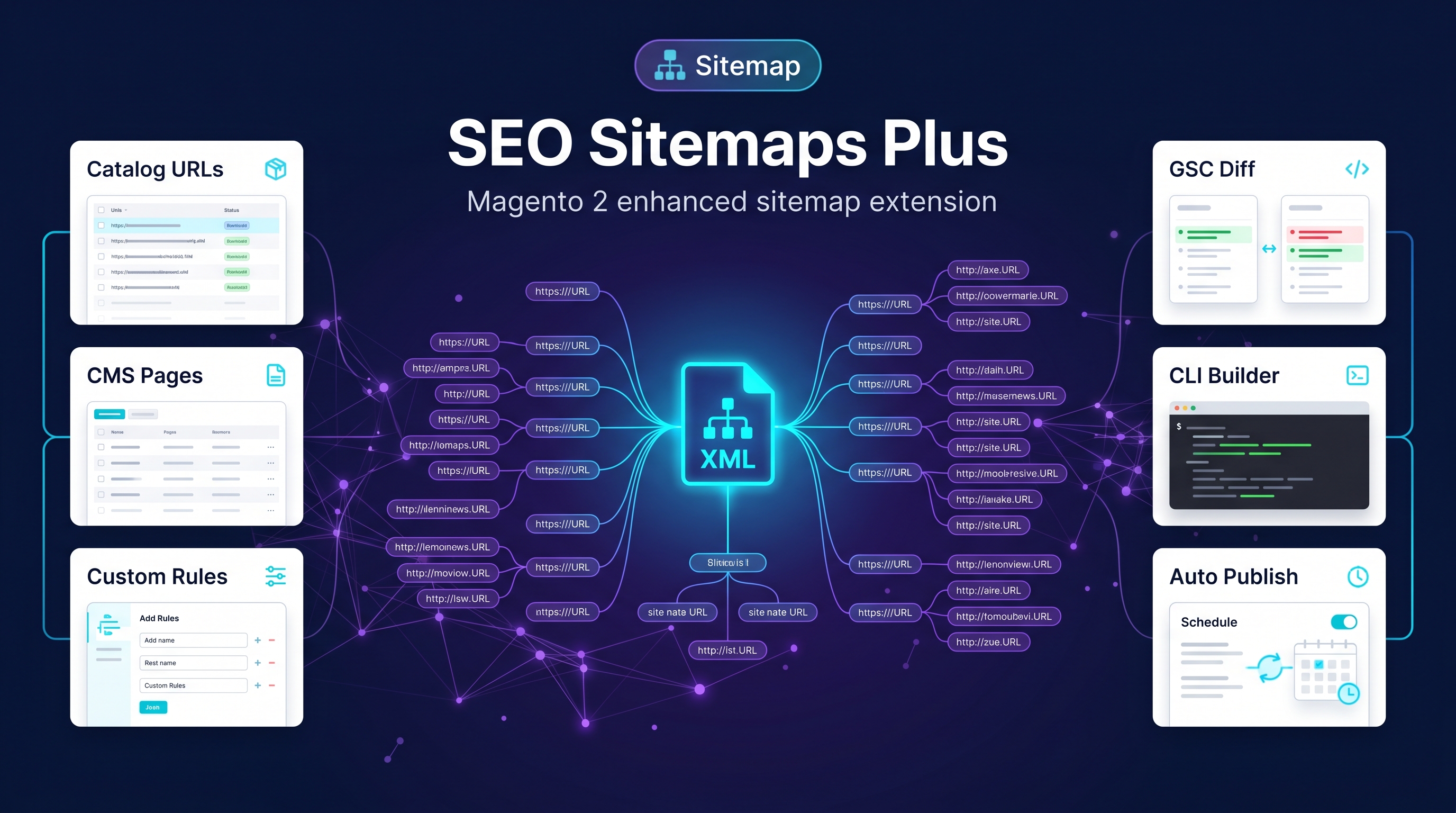
This page is the primary shopper overview. Product details, pricing, and add-to-cart live on the SEO Sitemaps Plus for Magento 2 page. General Composer install steps: Installation guide.
Table of Contents
Why Magento Sitemaps Fall Short
Search engines need a curated URL list, not every possible Magento route:
- Noise — unwanted URLs inflate sitemaps and confuse coverage
- Weak ops — hard to rebuild/publish on demand from CLI
- No GSC feedback — you cannot see sitemap vs index gaps inside Magento
What Sitemaps Plus Solves
SEO Sitemaps Plus replaces basic sitemap generation with rules-driven publishing.
- Config-driven inclusion rules
- CLI build/publish control
- Automatic catalog and CMS URL collection
- GSC diff analysis support with suite connectors
Key Features
- Rules-driven XML sitemaps
- CLI rebuild & publish
- Catalog + CMS collectors
- GSC coverage comparison hooks
System Requirements
- Magento: 2.4.4 – 2.4.7+ (Open Source & Adobe Commerce)
- PHP: 8.1, 8.2, or 8.3
- Towering Media Composer repository credentials
General Composer install steps for Towering Media modules: Installation guide.
Setup Overview
Configure inclusion rules, build sitemaps, publish to the public path, then submit/verify in Search Console.
Install with Composer
composer require toweringmedia/module-seo-sitemaps-plus
php bin/magento setup:upgrade
php bin/magento cache:flush
Step 1: Install
Require toweringmedia/module-seo-sitemaps-plus and upgrade Magento.
Step 2: Configure rules
Choose which product/category/CMS URL types belong in the sitemap.
Step 3: Build & publish
Use CLI commands (e.g. tm:seo:sitemaps:build / publish) per your package docs, then confirm public XML URLs.
Step 4: Connect GSC (optional)
Use Search Intelligence GSC tooling to compare sitemap vs coverage.
Need help? Contact Towering Media or browse Magento 2 Extensions.
Frequently Asked Questions
Does this replace Magento’s built-in sitemap?
It provides a rules-driven alternative/enhancement focused on SEO operations. Point Search Console at the published Plus sitemap URLs.
Is CLI required?
CLI is the reliable ops path for build/publish on production hosts.
Related Extensions & Resources
Also useful: Installation · Contact support · All Magento 2 extensions
Want our Magento team to handle it?
Towering Media installs, configures, and customizes SEO Sitemaps Plus for Magento 2 stores — along with technical SEO, structured data, and Core Web Vitals work.
Publish Magento sitemaps that match your SEO strategy
Rules, CLI, and GSC-aware workflows—SEO Sitemaps Plus.