
Search Intelligence — Google Search Console Connector User Guide
Search Console is the ground truth for organic visibility—yet most Magento stores only glance at it in another tab. This guide covers the GSC Connector ($199): OAuth auth, performance snapshots, and Core-ready signals for AI-assisted analysis.
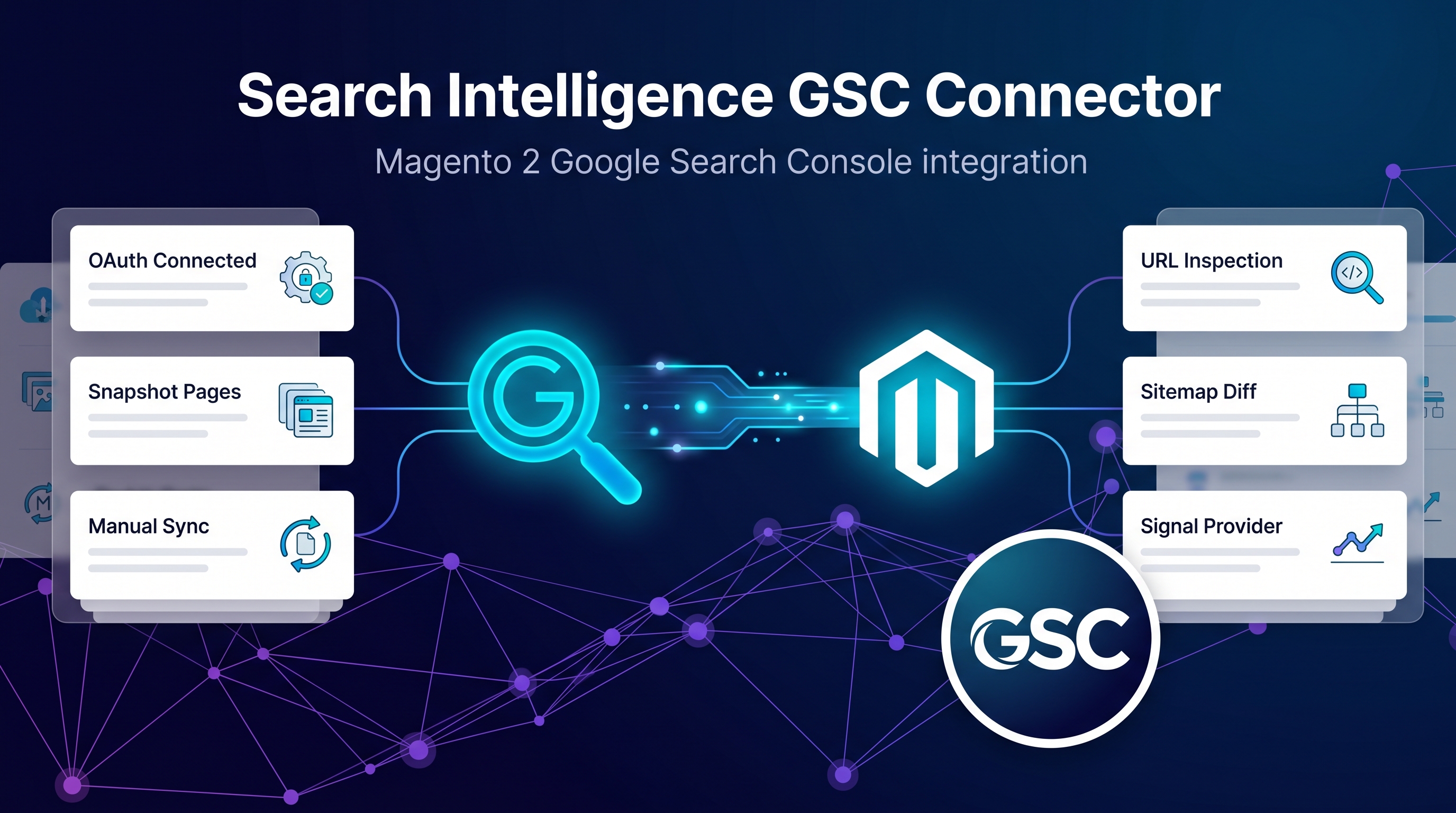
This page is the primary shopper overview. Product details, pricing, and add-to-cart live on the Search Intelligence — Google Search Console Connector page. General Composer install steps: Installation guide.
Table of Contents
The Problem
Without GSC inside Magento, SEO changes are blind:
- Manual exports — queries, clicks, and position never stay current
- No closed loop — applied meta changes are hard to measure against GSC impact
- Team friction — marketers leave Magento to analyse search performance
What This Connector Solves
The GSC Connector authenticates Magento with Search Console via OAuth and syncs normalised performance into Search Intelligence Core.
- OAuth connection to Google Search Console
- Queries, impressions, clicks, and position snapshots
- Normalised signals for Core proposals
- Foundation for measuring applied SEO impact
Key Features
- OAuth-based GSC authentication
- Search performance sync into Core
- Normalised query & page metrics
- Works with suite analyzers and Optimizer
System Requirements
- Magento: 2.4.4 – 2.4.7+ (Open Source & Adobe Commerce)
- PHP: 8.1, 8.2, or 8.3
- Towering Media Composer repository credentials
- Search Intelligence Core
- Google Search Console property access for the store domain
General Composer install steps for Towering Media modules: Installation guide.
Setup Overview
Install after Search Intelligence Core. Configure in Magento Admin under the Search Intelligence / connector section for this module.
Install with Composer
composer require toweringmedia/module-search-intelligence-gsc
php bin/magento setup:upgrade
php bin/magento cache:flush
Step 1: Install the GSC connector
Require toweringmedia/module-search-intelligence-gsc and upgrade Magento.
Step 2: Complete OAuth
Follow admin prompts to authorise the Google property that matches your Magento storefront URL.
Step 3: Sync and verify
Run an initial sync, then confirm queries/impressions appear in Search Intelligence Core.
Need help? Contact Towering Media or browse Magento 2 Extensions.
Frequently Asked Questions
Does this work without Search Intelligence Core?
The connector is designed for the Search Intelligence suite. Core is required for the Operations Dashboard and governed proposals.
Will it change my catalog automatically?
Connectors feed signals. Writing live SEO fields requires Magento SEO Integration plus approved change-sets in Core.
Related Extensions & Resources
Also useful: Installation · Contact support · All Magento 2 extensions
Want our Magento team to handle it?
Towering Media installs, configures, and customizes the Google Search Console Connector for Magento 2 stores — along with technical SEO, structured data, and Core Web Vitals work.
Add this signal source to your Magento SEO suite
Pull live Search Console performance into Magento with the GSC Connector.