
SEO Indexation Rules for Magento 2 User Guide
Facet URLs, staging hosts, and parameter noise pollute Google’s index. This guide covers SEO Indexation Rules ($149)—precise noindex/nofollow control for parameterised URLs, action names, and path patterns, including automatic staging hostname protection.
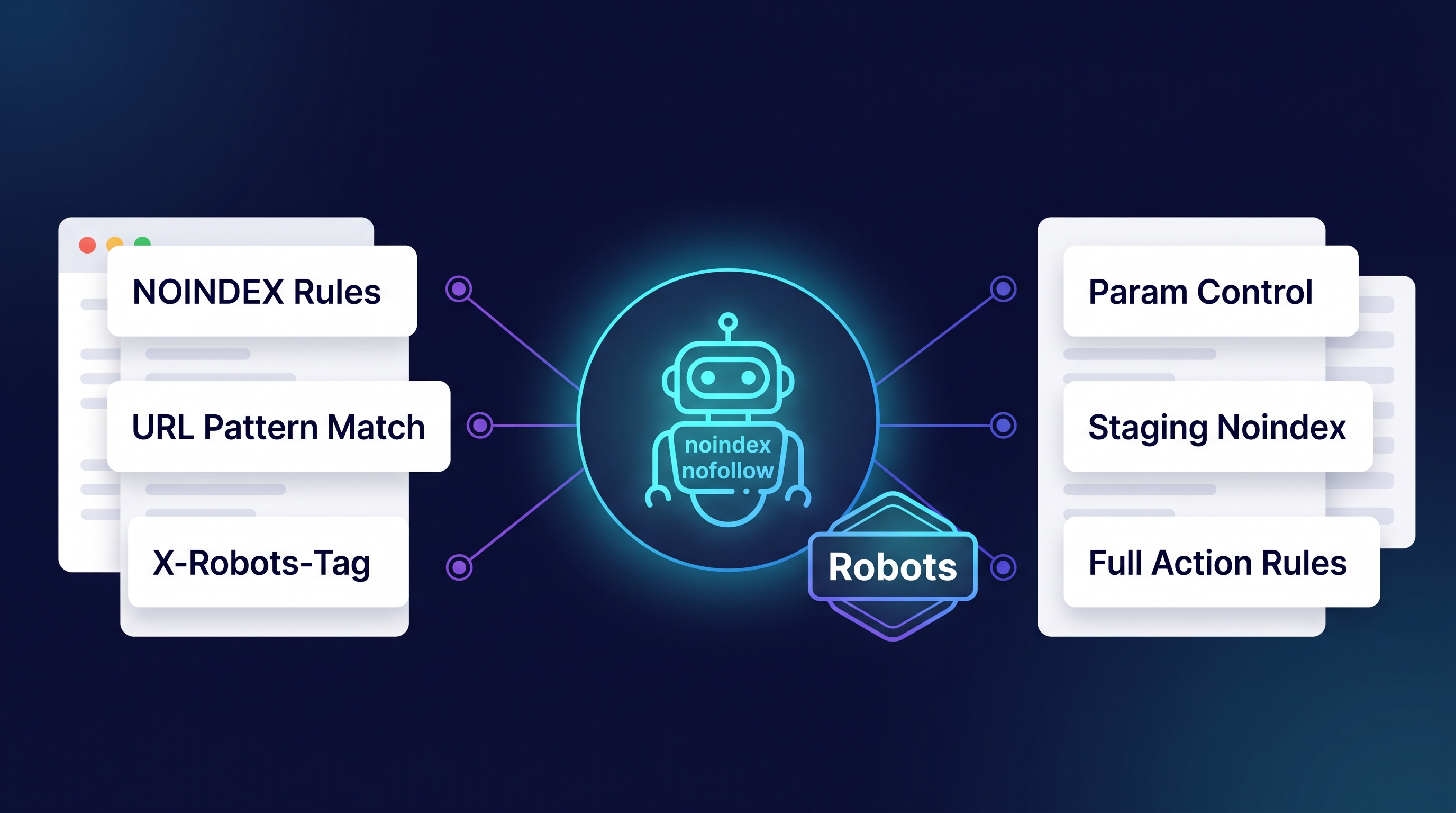
This page is the primary shopper overview. Product details, pricing, and add-to-cart live on the SEO Indexation Rules for Magento 2 page. General Composer install steps: Installation guide.
Table of Contents
Why Magento Indexation Gets Messy
Default Magento leaves many crawlable URL shapes that should not compete:
- Parameter sprawl — filters and tracking params create near-duplicate pages
- Staging leaks — non-production hosts get indexed without robots discipline
- One-size robots — Magento defaults lack fine-grained rule control
What Indexation Rules Solves
SEO Indexation Rules applies robots directives from Magento admin configuration with deterministic matching.
- noindex / nofollow and related robots directives
- Rules for parameterised URLs, full action names, and path patterns
- Automatic noindex for staging hostnames
- Config-driven—no theme hacks required
Key Features
- Precision robots directive control
- Parameter, action, and path matchers
- Staging hostname safeguards
- Hyvä & Luma compatible (directive output)
System Requirements
- Magento: 2.4.4 – 2.4.7+ (Open Source & Adobe Commerce)
- PHP: 8.1, 8.2, or 8.3
- Towering Media Composer repository credentials
General Composer install steps for Towering Media modules: Installation guide.
Setup Overview
Configure rules under Stores → Configuration for SEO Indexation Rules, then verify with View Source / rich-results style robots checks on sample URLs.
Install with Composer
composer require toweringmedia/module-seo-indexation-rules
php bin/magento setup:upgrade
php bin/magento cache:flush
Step 1: Install the module
Require toweringmedia/module-seo-indexation-rules and upgrade Magento.
Step 2: Define match rules
Add parameter, action, and path rules for URLs that should be noindex/nofollow.
Step 3: Protect staging
Confirm staging hostname auto-noindex behaviour on non-production hosts.
Step 4: Verify storefront output
Check robots meta / X-Robots-Tag on matched vs unmatched URLs.
Need help? Contact Towering Media or browse Magento 2 Extensions.
Frequently Asked Questions
Does this replace robots.txt?
It complements robots.txt with page-level directives. Use both thoughtfully.
Can I noindex layered navigation?
Yes—parameter and path rules are designed for those patterns. Validate with your theme’s URL shapes.
Related Extensions & Resources
Also useful: Installation · Contact support · All Magento 2 extensions
Want our Magento team to handle it?
Towering Media installs, configures, and customizes SEO Indexation Rules for Magento 2 stores — along with technical SEO, structured data, and Core Web Vitals work.
Take control of Magento indexation
Stop thin and staging URLs from competing with your money pages—use SEO Indexation Rules.