
Magento 2 Import Export User Guide
Bulk catalog edits should not mean gambling with Magento’s default importer. This guide shows how Magento 2 Import Export – Advanced Product Management ($399) gives filtered exports, mapping, validation, and multi-format workflows—plus install overview, troubleshooting, and FAQ. Deep wiki docs remain the product User Guide.
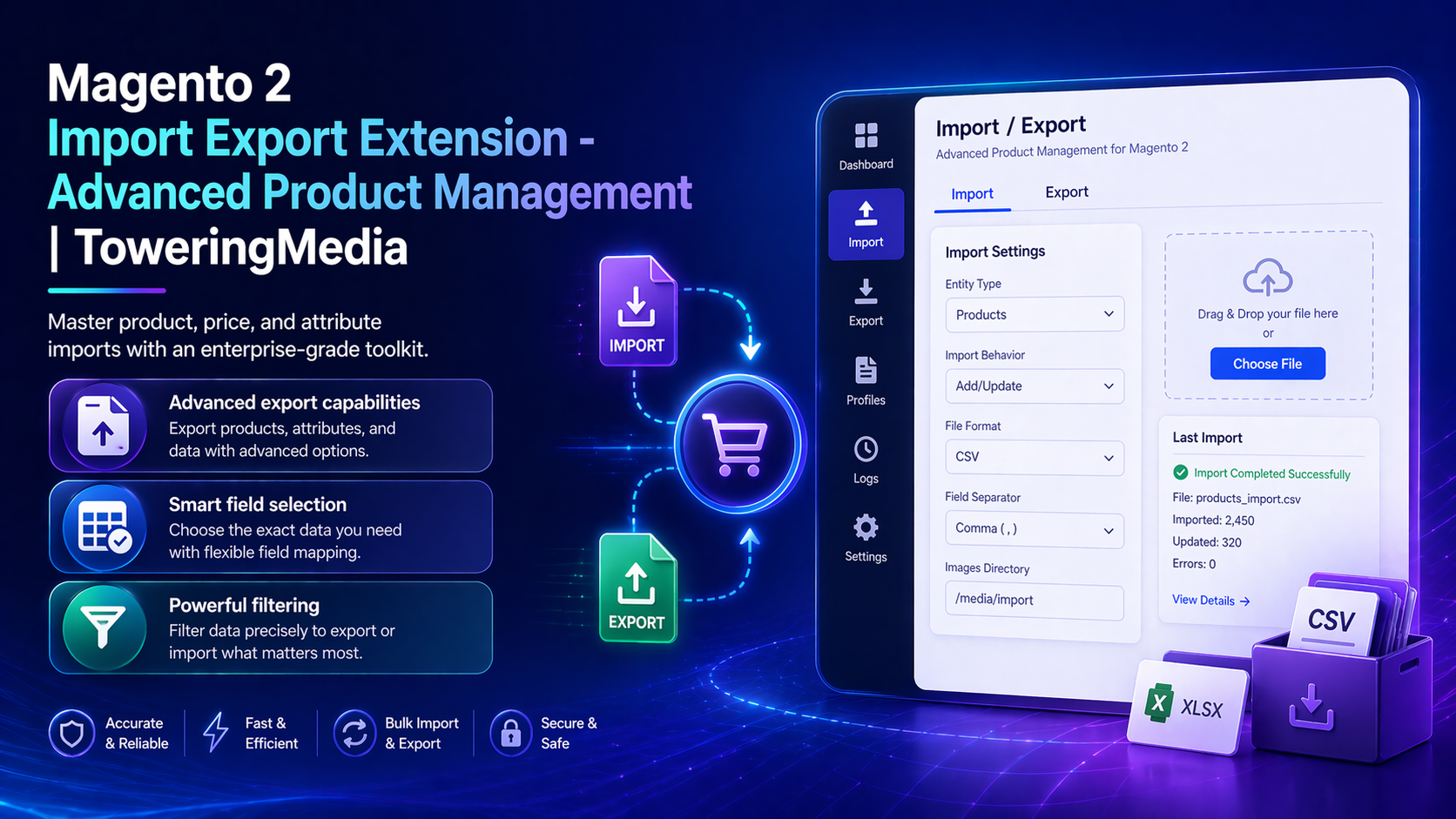
For screenshot-heavy / deep technical steps, see the detailed wiki documentation. Product details and add-to-cart live on the Magento 2 Import Export Extension - Advanced Product Management page. Browse more modules in Magento 2 Extensions.
Table of Contents
Why Default Magento Import Feels Risky
Native Magento import/export is powerful—but easy to misuse on real catalogs:
- Bloated CSVs — too many columns, hard to hand to merchandisers
- No confident preview — errors appear after you already committed
- Complex product types — configurable / bundle / MSI stock updates are fragile
- Slow iteration — price and SEO seasonality needs a repeatable spreadsheet loop
What This Extension Solves
The Magento 2 Import Export Extension is an enterprise-grade toolkit for product, price, and attribute imports with filters, mapping, and preview.
- Export curated catalogs using filters across categories, attributes, and stock
- Map fields for simple, configurable, bundled, and MSI-enabled products
- Work in CSV, XML, JSON, or XLSX with batch progress tracking
- Validate and preview imports to catch missing data before committing
- Repeatable templates for price updates, inventory sync, and SEO edits
Key Features
- Focused export templates (choose only needed fields)
- Multi-format file support
- Validation / preview before commit
- Batch progress for large catalogs
- Open Source & Adobe Commerce Magento 2.4.x
System Requirements
- Magento: 2.4.4 – 2.4.7+ (Open Source & Adobe Commerce)
- PHP: 8.1, 8.2, or 8.3
- Towering Media Composer repository credentials
- Sufficient Magento admin permissions for import/export operations
General Composer install steps: Installation guide.
Installation Overview
Step 1: Authenticate Composer
Add your Towering Media credentials to auth.json in the Magento root (same pattern as other Towering Media extensions).
Step 2: Require the package
composer require toweringmedia/module-simple-import-exportStep 3: Enable and upgrade
php bin/magento module:enable Toweringmedia_SimpleImportExport
php bin/magento setup:upgrade
php bin/magento setup:di:compile
php bin/magento setup:static-content:deploy -f
php bin/magento cache:flush
Exact module enable name may match your package’s registration.php/module.xml—confirm in the package after install. Production stores should follow your normal deploy process.
Build Export Templates
Create a reusable template that exports only the attributes your team edits:
- Log in to Magento Admin.
- Open the Toweringmedia Import/Export (Simple Import Export) menu.
- Create an export profile: choose product types, filters, and fields.
- Run an export and open the file in Excel / Google Sheets.
- Edit prices, stock, or SEO fields carefully—keep SKUs stable.
- Upload for validation/preview, then commit only when clean.
Validate, Preview & Import
Always run validation/preview on staging (or a DB snapshot) before production imports. Keep a backup export of the same columns so you can roll values back if needed.
- Start with a 10–50 SKU pilot file
- Fix GTIN/brand gaps that break Google Shopping Feed
- Reindex / cache flush after large catalog updates
Troubleshooting
Validation errors on import
- Compare column headers to the export template exactly
- Check required attributes for the product type
- Reduce the file to the failing SKUs and re-test
Stock/price not updating
- Confirm you mapped the correct stock/price fields for MSI vs non-MSI
- Verify admin ACL allows import
- Check batch job status if imports are queued
Still stuck? Contact support with the exact admin error text or log snippet (never paste API secrets or private keys in plain email).
Frequently Asked Questions
Where is the primary User Guide?
Product docs CTAs stay on the wiki. This CMS page is the overview.
Which formats are supported?
CSV, XML, JSON, and XLSX workflows are part of the feature set.
How much does it cost?
$399 — see the product page for current pricing.
Can Towering Media customize mappings?
Yes—contact us for supplier-file mappings and scheduled import rules.
Related Extensions & Resources
Want our Magento team to handle it?
Towering Media installs, configures, and customizes Import Export for Magento 2 stores — along with API integrations, accounting and CRM sync, and carrier or fulfillment connections.
Get the Extension
Edit Magento catalogs with a safer spreadsheet loop. Export only what you need, validate before commit, and ship price/inventory/SEO updates without fearing Magento’s default importer.
Prefer the wiki? Open the full documentation.