
Magento 2 Editable Ship Field from Admin User Guide
Magento 2 Editable Ship Field from Admin User Guide
Ops teams need to fix shipping details without recreating orders. This guide covers Towering Media Editable Ship Field From Admin ($249)—adjust shipping data from Magento admin—plus install overview, validation, and FAQ.
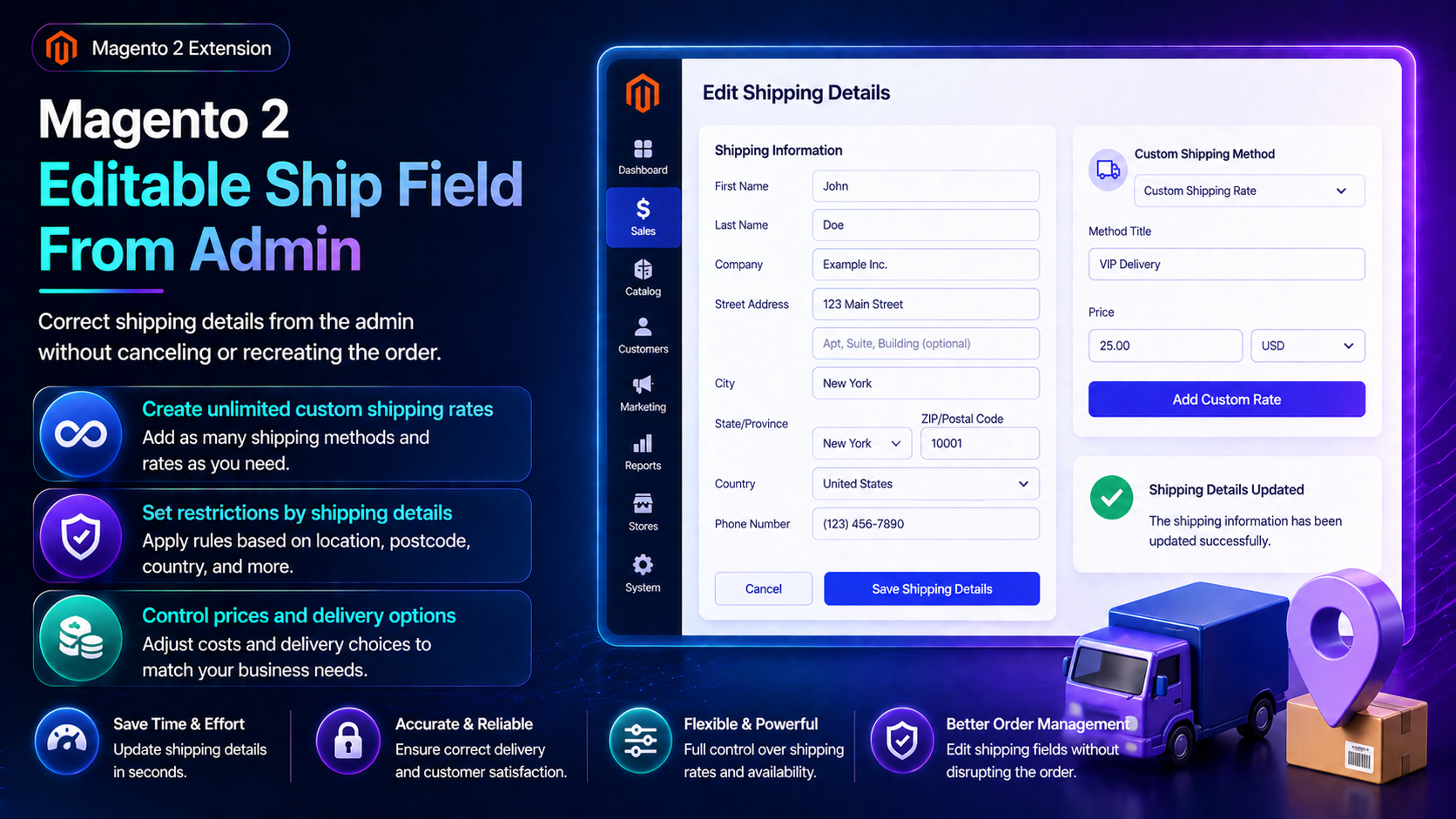
For deep configuration screenshots and edge cases, see the detailed wiki documentation. Product details and add-to-cart live on the Magento 2 Editable Ship Field From Admin page.
Table of Contents
Why Shipping Fields Get Stuck
After checkout, Magento shipping data is often hard to correct when a carrier changes or a PO number appears:
- Wrong method locked in — customer asked for overnight after the fact
- Tracking corrections — need to edit without cancel/reorder
- Custom references — third-party accounts / PO fields
- No audit trail — unclear who changed shipping data
What This Extension Solves
Editable Ship Field From Admin lets administrators adjust shipping information on orders from the Magento admin.
- Adjust carrier/method/tracking style data from admin
- Edit custom ship fields (PO numbers, references)
- Customer notification options when shipping info changes
- Audit-oriented history of who updated fields
Key Features
- Admin-only workflows
- Magento 2.4 compatible
- Composer: toweringmedia/module-custom-ship
System Requirements
- Magento 2.4.x
- Order edit permissions for staff
- Towering Media Composer credentials
General Composer install steps for Towering Media modules: Installation guide.
Installation Overview
Step 1: Authenticate Composer
Add your Towering Media credentials to auth.json in the Magento root (same pattern as other Towering Media extensions).
Step 2: Require the package
composer require toweringmedia/module-custom-shipStep 3: Enable and upgrade
php bin/magento module:enable Toweringmedia_CustomShip
php bin/magento setup:upgrade
php bin/magento setup:di:compile
php bin/magento setup:static-content:deploy -f
php bin/magento cache:flush
Exact module enable name may match your package’s registration.php / module.xml—confirm in the package after install. Production stores should follow your normal deploy process.
Need help installing? Contact Towering Media or browse more modules in Magento 2 Extensions.
Edit Shipping from Admin
- Install/enable Toweringmedia_CustomShip.
- Open an order → shipping section / Custom Ship UI.
- Update method, tracking, or custom fields as needed.
- Save; optionally notify the customer per configuration.
- Confirm the storefront order view / emails reflect changes.
Validate Notifications & Audit
Check both data and messaging:
- Shipping fields persist after save
- Audit/history shows the admin user
- Customer email (if enabled) looks correct
- Invoices/packing slips still print cleanly
Troubleshooting
Cannot edit shipped orders
- Check module rules for order state (processing vs complete)
- See wiki for allowed statuses
Frequently Asked Questions
Is this a new carrier?
It focuses on admin editing of shipping fields/methods—see wiki for exact carrier creation behavior in your version.
Deep docs?
Price?
$249 on the product page.
Related Extensions & Resources
Want our Magento team to handle it?
Towering Media installs, configures, and customizes Editable Ship Field from Admin for Magento 2 stores — along with API integrations, accounting and CRM sync, and carrier or fulfillment connections.
Get the Extension
Fix shipping details in Magento admin—tracking, references, and method changes without rebuilding the order.
Prefer screenshots and deep steps? Open the full wiki guide.