
Magento 2 UPS REST API Shipping User Guide
Magento 2 UPS REST API Shipping User Guide
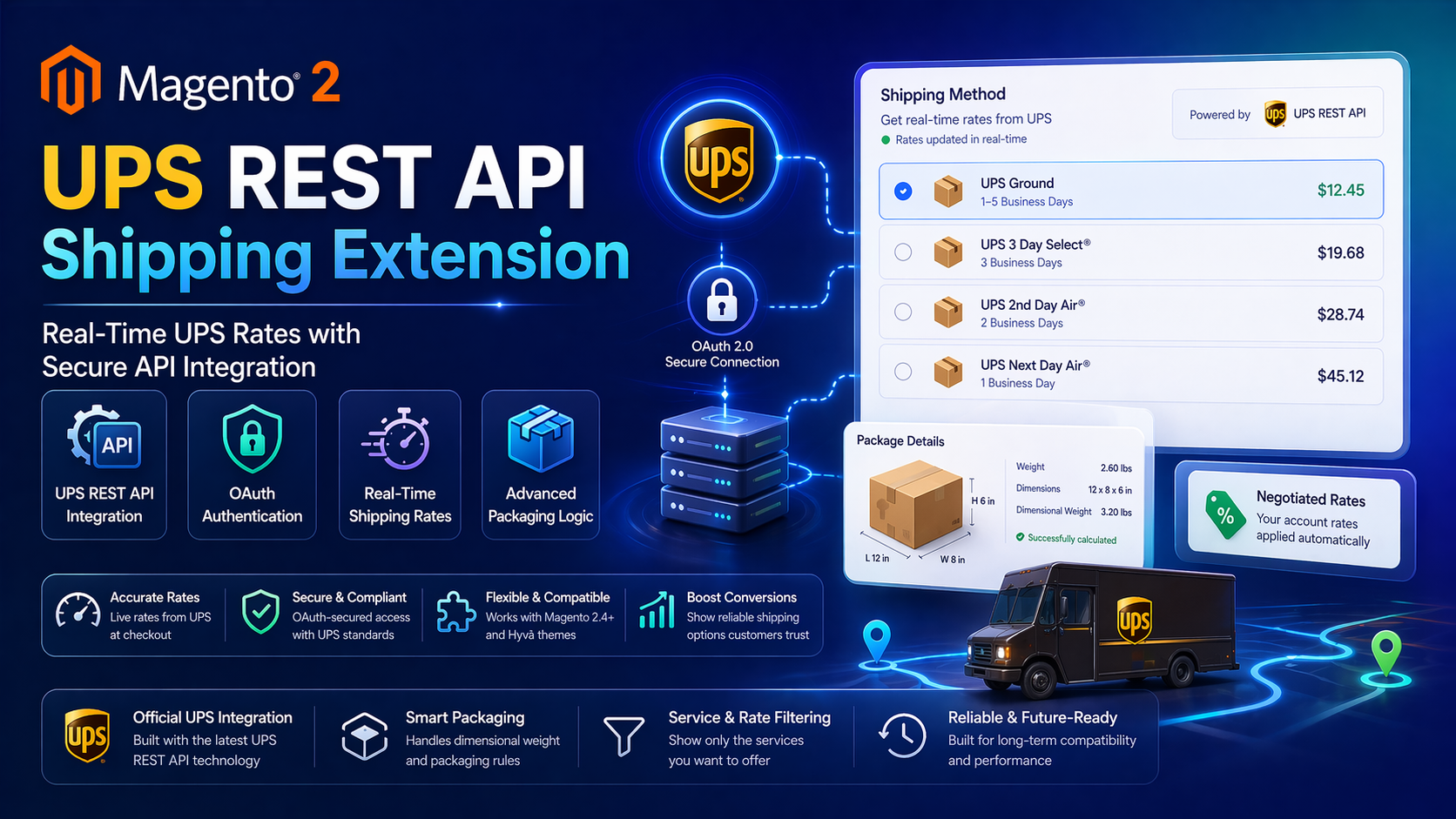
Shoppers expect accurate UPS options at checkout—not stale flat rates. This guide shows how the free Towering Media Magento 2 UPS REST API Shipping Extension connects Magento to UPS OAuth REST rates, plus install overview, admin setup, validation, troubleshooting, and FAQ.
For deep configuration screenshots and edge cases, see the detailed wiki documentation. Product details and add-to-cart live on the Magento 2 UPS REST API Shipping Extension page.
Table of Contents
Why Magento UPS Rates Fall Short
Legacy UPS XML / Web Services paths age poorly, and generic table rates rarely match what UPS will actually charge for a carton:
- Wrong checkout quotes — customers see one price, then invoices another
- Auth churn — older UPS APIs and keys get deprecated; OAuth REST is the modern path
- No diagnostics — when rates disappear, Magento gives little carrier-side detail
- Service clutter — every UPS method appears even when you only want Ground + 2nd Day
What This Extension Solves
The UPS REST API Shipping Extension talks to UPS with OAuth and returns live rates in cart and checkout for Magento 2.4 stores.
- Real-time UPS shipping rates in cart and checkout
- Secure OAuth authentication (Sandbox & Production)
- Negotiated account rates when UPS enables them
- Allowed services and country restrictions
- Dimensional weight support for fairer carton quotes
- Admin Test Connection and Test Sample Rate tools with optional debug logging
Key Features
- Sandbox and production credential scopes
- Filter which UPS services appear at checkout
- Works alongside other Towering Media carriers (USPS, FedEx)
- Open Source & Adobe Commerce Magento 2.4.x
- Hyvä-friendly carrier layer (no Knockout dependency)
System Requirements
- Magento: 2.4.4 – 2.4.7+ (Open Source & Adobe Commerce)
- PHP: 8.1, 8.2, or 8.3
- Towering Media Composer repository credentials
- UPS Developer account with REST / OAuth credentials
General Composer install steps for Towering Media modules: Installation guide.
Installation Overview
Step 1: Authenticate Composer
Add your Towering Media credentials to auth.json in the Magento root (same pattern as other Towering Media extensions).
Step 2: Require the package
composer require toweringmedia/module-ups-rest-apiStep 3: Enable and upgrade
php bin/magento module:enable Toweringmedia_UPSRestApi
php bin/magento setup:upgrade
php bin/magento setup:di:compile
php bin/magento setup:static-content:deploy -f
php bin/magento cache:flush
Exact module enable name may match your package’s registration.php / module.xml—confirm in the package after install. Production stores should follow your normal deploy process.
Need help installing? Contact Towering Media or browse more modules in Magento 2 Extensions.
Configure UPS in Admin
- Log in to Magento Admin.
- Go to Stores → Configuration → Sales → Delivery Methods (or the Towering Media UPS REST section shown in the wiki).
- Enable the UPS REST method and set title / sort order.
- Enter Client ID, Client Secret, and account / shipper details for Sandbox or Production.
- Choose allowed services, countries, and dimensional-weight options.
- Save Config and flush cache.
Test Connection & Sample Rates
Use the admin tools before relying on live checkout:
- Run Test Connection to confirm OAuth succeeds
- Run Test Sample Rate with a representative origin/destination and weight
- Add a product to cart on the storefront and confirm UPS methods appear
- Place a staging order and verify the selected method persists on the order
Troubleshooting
No UPS methods at checkout
- Confirm the carrier is Enabled and saved at the correct store scope
- Check allowed countries / postcodes vs the quote address
- Review debug log for UPS API error text
- Flush Magento cache after config changes
OAuth / authentication errors
- Regenerate Client Secret in the UPS developer portal
- Confirm Sandbox vs Production endpoints match the credential set
- Ensure server time is accurate (skew can break tokens)
Frequently Asked Questions
Is the UPS REST extension really free?
Yes—the Magento 2 UPS REST API Shipping Extension is listed as Free on the product page. Support terms follow the listing.
Does it support negotiated rates?
Yes, when your UPS account is configured for negotiated rating and Magento credentials use that account.
Is it Hyvä compatible?
Yes. It provides carrier rates Magento/Hyvä checkout can consume; it does not depend on Luma Knockout templates.
Where is the deepest documentation?
This CMS page is the shopper-friendly overview. Screenshot-heavy steps stay on the wiki user guide.
Related Extensions & Resources
Want our Magento team to handle it?
Towering Media installs, configures, and customizes UPS REST API Shipping for Magento 2 stores — along with API integrations, accounting and CRM sync, and carrier or fulfillment connections.
Get the Extension
Connect Magento to modern UPS OAuth REST rates—free to install, with admin test tools so you can validate before go-live.
Prefer screenshots and deep steps? Open the full wiki guide.