
Magento 2 Bundle Builder User Guide
Complex accessory bundles need guided wizards—not a single dropdown. This guide covers Bundle Builder ($129)—multi-step Garmin, mount, and accessory flows with collar AI preview support on Magento 2 (requires Product Builder Core via Composer).
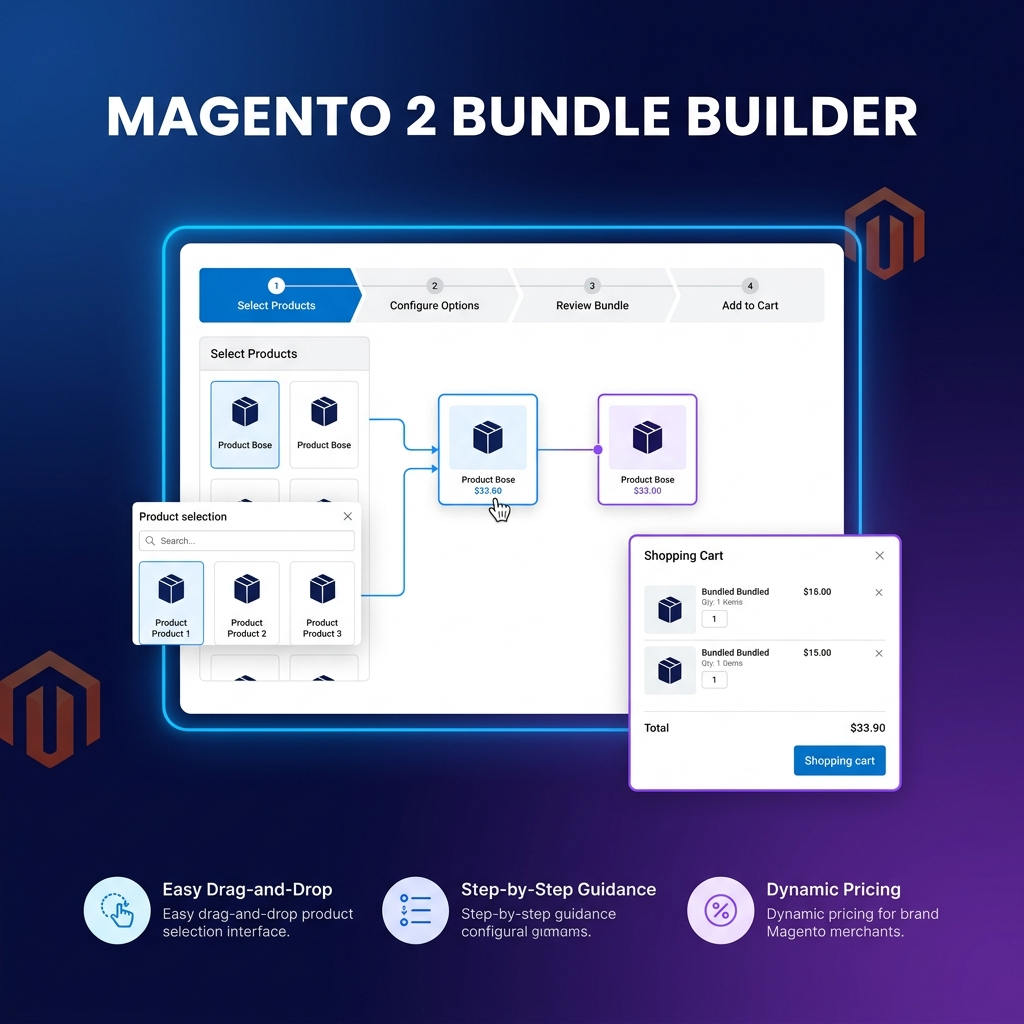
This page is the primary shopper overview. Product details, pricing, and add-to-cart live on the Magento 2 Bundle Builder page. General Composer install steps: Installation guide.
Table of Contents
Why Bundle Configuration Breaks Conversion
Customers abandon when bundle options feel like a parts catalog:
- Too many choices at once — mounts, collars, and accessories overwhelm a single form
- Weak preview — shoppers cannot visualise the finished kit
- Theme friction — custom wizards often break on Hyvä
What Bundle Builder Solves
Bundle Builder is the dedicated flow pack for multi-step bundle configuration on Magento 2.
- Garmin, mount, and accessory wizard flows
- Collar AI preview generation support
- Bundle-specific wizard context builder
- Hyvä and Luma compatible storefront rendering
Key Features
- Multi-step bundle wizards
- AI collar preview support
- Extends Product Builder Core
- Hyvä & Luma ready
System Requirements
- Magento: 2.4.4 – 2.4.7+ (Open Source & Adobe Commerce)
- PHP: 8.1, 8.2, or 8.3
- Towering Media Composer repository credentials
- Product Builder Core (Composer dependency)
- Optional: AI Core when using AI preview features
General Composer install steps for Towering Media modules: Installation guide.
Setup Overview
Require Bundle Builder (Core comes along), configure wizard flows in admin, then test on Hyvä/Luma storefronts.
Install with Composer
composer require toweringmedia/module-bundle-builder
php bin/magento setup:upgrade
php bin/magento cache:flush
Step 1: Install via Composer
Require toweringmedia/module-bundle-builder; Product Builder Core is pulled as a dependency.
Step 2: Configure bundle wizard context
Set up Garmin/mount/accessory flow definitions for your catalog.
Step 3: Enable AI preview (optional)
If using collar AI preview, ensure AI Core credentials are configured.
Step 4: QA storefront steps
Walk each wizard step on mobile and desktop; confirm add-to-cart outputs the expected bundle.
Need help? Contact Towering Media or browse Magento 2 Extensions.
Frequently Asked Questions
Is Product Builder sold separately?
Product Builder Core is a Composer dependency. License Bundle Builder when you only need bundle-building flows; see also the Product Builder product for the broader suite.
Does it work with Hyvä?
Yes—Hyvä and Luma compatible storefront rendering is part of the product design.
Related Extensions & Resources
Also useful: Installation · Contact support · All Magento 2 extensions
Want our Magento team to handle it?
Towering Media installs, configures, and customizes Bundle Builder for Magento 2 stores — along with custom Magento 2 module development, AI features, and security hardening.
Guide shoppers through Magento bundles
Ship multi-step Garmin, mount, and accessory wizards with Bundle Builder.