
USPS Addon for Multivendor Dropship User Guide
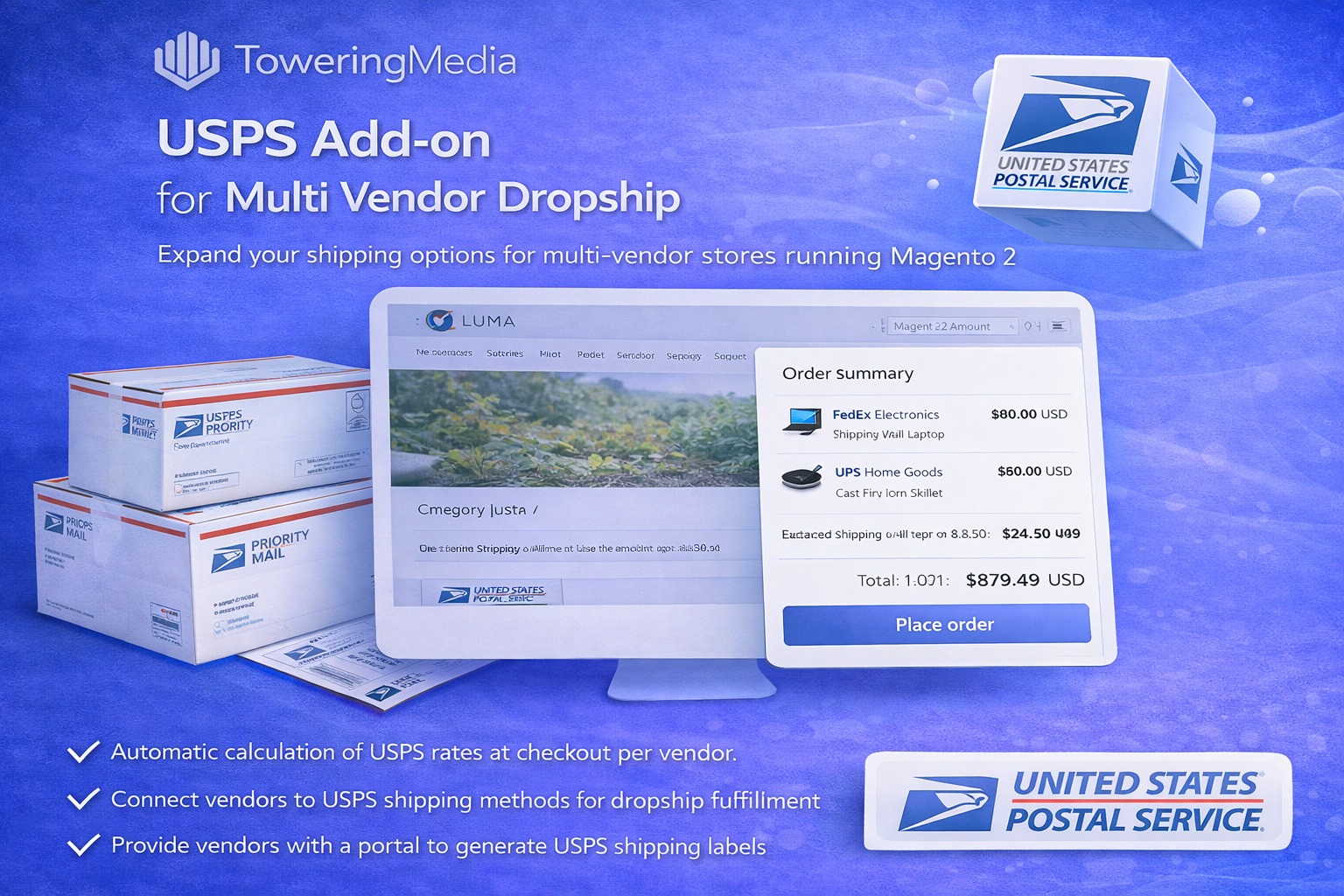
Multi Vendor Dropship needs carrier-specific wiring for USPS. This guide covers the USPS Multivendor Addon ($199): connecting vendor shipments to USPS rates and fulfillment workflows inside Magento checkout.
For deep install screenshots and edge-case config, see the detailed wiki documentation. Product details and add-to-cart live on the USPS addon for Multivendor Dropship page.
Table of Contents
Why USPS Needs a Multivendor Addon
Generic Magento USPS modules often assume a single ship-from. Multivendor carts need vendor-aware USPS quoting:
- Single-account assumptions — rates ignore vendor warehouse origins
- Checkout gaps — dropship engine enabled but carrier addon missing
- Ops mismatch — labels/tracking not aligned to the vendor that owns the SKU
What This Extension Solves
The USPS addon for Multivendor Dropship connects vendor shipments to USPS rates and fulfillment options inside the dropship workflow.
- USPS rate collection for vendor-mapped products
- Works with Multi Vendor Dropship warehouse origins
- Checkout/admin paths consistent with other carrier addons
- Wiki deep-dive for credentials and service allow-lists
Key Features
- USPS integration for multivendor dropship carts
- Vendor-aware shipment workflows
- Configurable services / credentials per your Magento scope
- Magento 2.4.x compatible
System Requirements
- Multi Vendor Dropship core installed and configured
- Active USPS API / account credentials
- Magento 2.4.x + PHP 8.1–8.3
General Composer install steps for Towering Media modules: Installation guide.
Installation Overview
Step 1: Authenticate Composer
Add your Towering Media credentials to auth.json in the Magento root (same pattern as other Towering Media extensions).
Step 2: Require the package
composer require toweringmedia/module-usps-multivendorRun this from your Magento root with your Towering Media Composer credentials in place.
Step 3: Enable and upgrade
php bin/magento setup:upgrade
php bin/magento setup:di:compile
php bin/magento setup:static-content:deploy -f
php bin/magento cache:flush
Enable the module(s) listed in the package module.xml / wiki if your package uses explicit module:enable. Production stores should follow your normal deploy process. Need help? Contact Towering Media or browse Magento 2 Extensions.
Configure in Admin
- Confirm Multi Vendor Dropship is enabled and vendors have warehouse addresses.
- Install/enable the USPS multivendor addon.
- Enter USPS credentials and allowed services.
- Map test products to a vendor and request rates in cart/checkout.
- Place an order and confirm shipment/tracking paths for that vendor.
Validation Checklist
- Vendor product returns USPS options when only this carrier is intended.
- Non-vendor products do not incorrectly inherit vendor origins.
- Order creates expected shipment records.
Troubleshooting
- No rates: verify core dropship + addon enablement and vendor mapping.
- Auth errors: rotate/re-enter USPS keys; see wiki for OAuth/REST notes.
- Wrong warehouse: check vendor origin address and product assignment.
Frequently Asked Questions
Do I need this if I only use USPS?
Yes if you run Multi Vendor Dropship and want USPS vendor-origin rates. Single-warehouse stores may use a standalone USPS module instead.
Can I combine FedEx, UPS, and USPS addons?
Yes—common for marketplaces. Validate mixed carts carefully.
Related Extensions & Resources
Also useful: Installation · All Magento 2 extensions · Contact support.
Want our Magento team to handle it?
Towering Media installs, configures, and customizes USPS Addon for Multivendor Dropship for Magento 2 stores — along with API integrations, accounting and CRM sync, and carrier or fulfillment connections.
Add USPS to your dropship stack
Wire USPS into Multi Vendor Dropship and quote from real vendor warehouses.