
Magento 2 Store Locator Suite User Guide
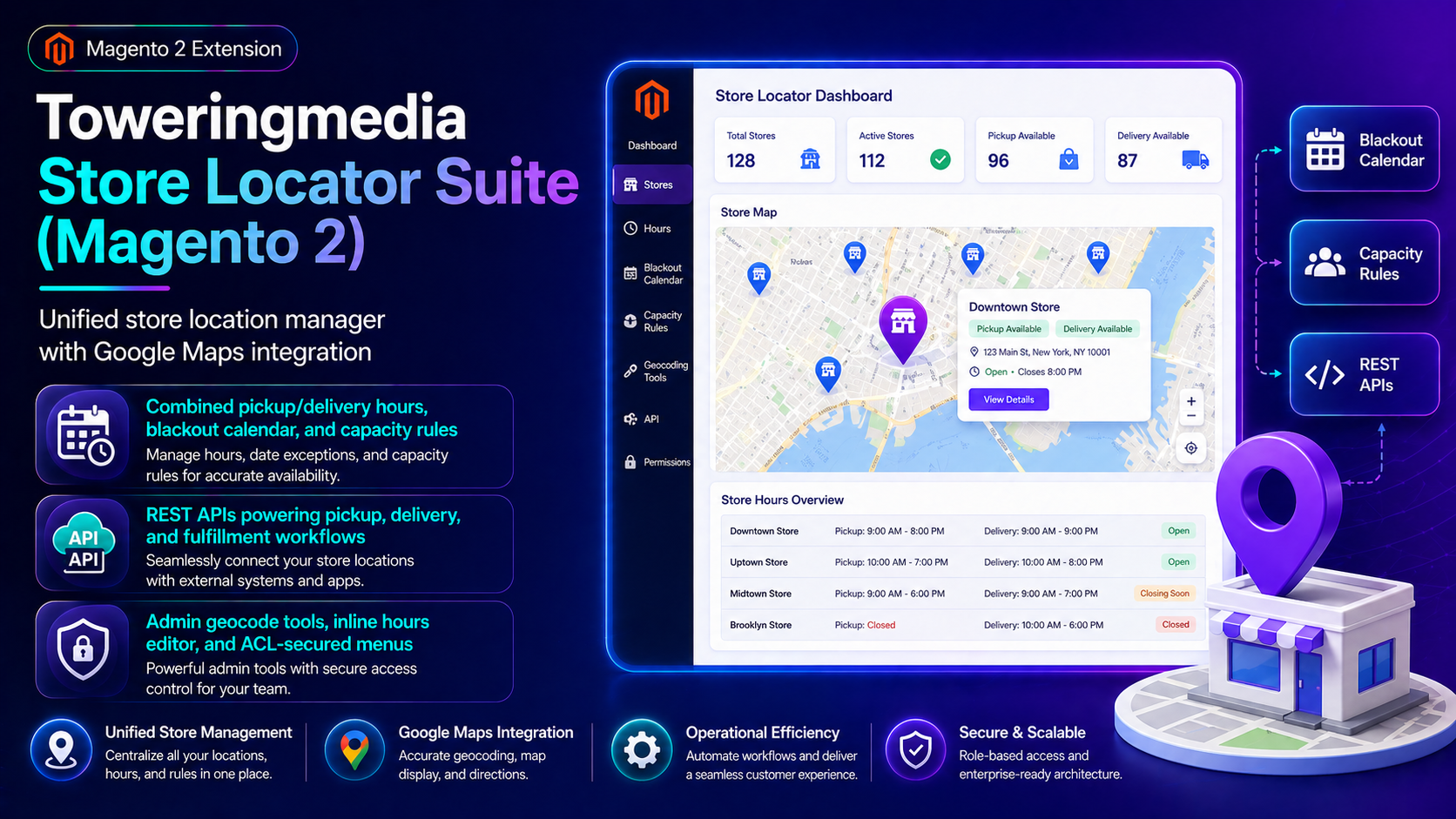
Pickup and delivery only work when location data is trustworthy. This guide covers Store Locator Suite ($499): Google Maps locations, combined hours, blackout calendars, capacity rules, and REST APIs.
For deep install screenshots and edge-case config, see the detailed wiki documentation. Product details and add-to-cart live on the Toweringmedia Store Locator Suite (Magento 2) page.
Table of Contents
Why Store Data Belongs in Magento
Spreadsheets and static CMS maps go stale fast:
- Hours drift — holiday blackouts never reach checkout
- No capacity rules — slots overbook
- Broken integrations — pickup/delivery modules cannot read a single source of truth
What This Extension Solves
The Store Locator Suite is the location manager powering TM pickup/delivery workflows.
- Unified store location manager with Google Maps integration
- Combined pickup/delivery hours, blackout calendar, and capacity rules
- REST APIs powering pickup, delivery, and fulfillment workflows
- Admin geocode tools, inline hours editor, and ACL-secured menus
Key Features
- Storefront locator pages and search
- Hours + blackout management
- Capacity-aware rules for local ops
- API surface for related TM modules
System Requirements
- Google Maps API key for maps/geocoding features you enable
- Magento 2.4.x + PHP 8.1–8.3
General Composer install steps for Towering Media modules: Installation guide.
Installation Overview
Step 1: Authenticate Composer
Add your Towering Media credentials to auth.json in the Magento root (same pattern as other Towering Media extensions).
Step 2: Require the package
composer require toweringmedia/module-store-locatorStep 3: Enable and upgrade
php bin/magento setup:upgrade
php bin/magento setup:di:compile
php bin/magento setup:static-content:deploy -f
php bin/magento cache:flush
Enable the module(s) listed in the package module.xml / wiki if your package uses explicit module:enable. Production stores should follow your normal deploy process. Need help? Contact Towering Media or browse Magento 2 Extensions.
Configure in Admin
- Install Store Locator Suite and add locations with addresses.
- Geocode pins; set hours and blackout dates.
- Configure capacity/lead-time rules used by pickup/delivery.
- Verify storefront locator pages and API responses.
- Connect Store Pickup / Distance Delivery / Fulfillment as needed.
Validation Checklist
- Map pins render and search finds nearby stores.
- Blackout dates hide availability downstream.
- ACL prevents unauthorized location edits.
Troubleshooting
- Blank map: API key restrictions / billing.
- Wrong hours: store scope vs website scope configuration.
Frequently Asked Questions
Do I need this for Distance Delivery?
Strongly recommended—shared locations/hours keep quoting and slots consistent.
Can it run alone?
Yes as a locator; full slot/delivery magic appears with Pickup/Distance/Fulfillment.
Related Extensions & Resources
Also useful: Installation · All Magento 2 extensions · Contact support.
Want our Magento team to handle it?
Towering Media installs, configures, and customizes Store Locator Suite for Magento 2 stores — along with API integrations, accounting and CRM sync, and carrier or fulfillment connections.
Make Magento your location source of truth
Launch Store Locator Suite and feed accurate hours into pickup and delivery.