
Magento 2 USPS REST API Shipping User Guide
Magento 2 USPS REST API Shipping User Guide
USPS is retiring legacy Web Tools APIs. This guide shows how the Towering Media Magento 2 USPS Shipping Extension ($199.99) uses OAuth REST API v3 for real-time checkout rates—plus install overview, configuration, validation, troubleshooting, and FAQ.
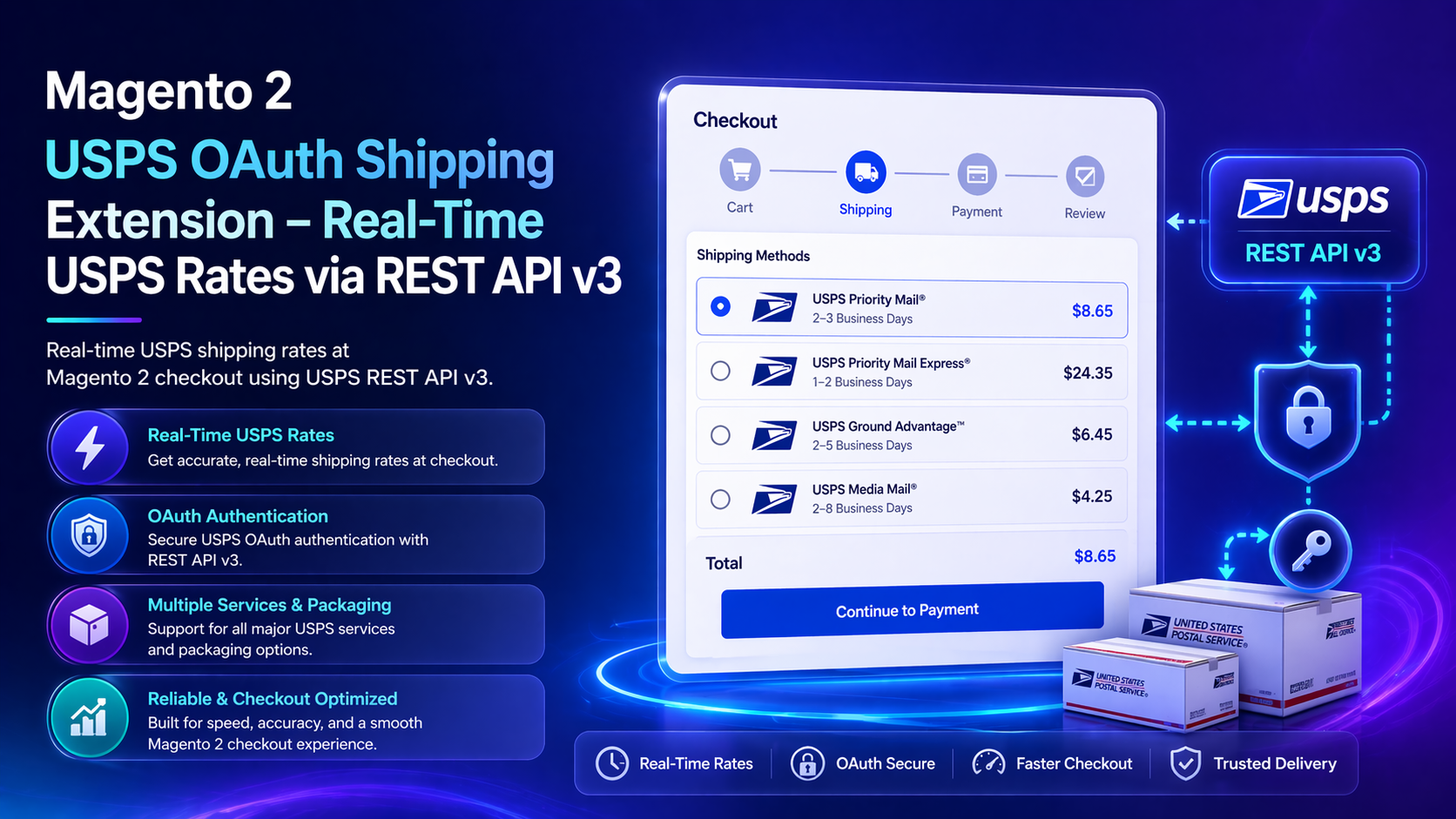
For deep configuration screenshots and edge cases, see the detailed wiki documentation. Product details and add-to-cart live on the Magento 2 USPS Shipping Extension (REST API v3) page.
Table of Contents
Why Legacy USPS Integrations Break
USPS is deprecating older Web Tools APIs. Stores still on those paths risk silent rate failures:
- Deprecated endpoints — credentials that worked last year stop returning rates
- Slow checkout — every address change hammers the API with no caching
- Method overload — too many USPS options confuse shoppers
- Weak diagnostics — hard to tell Magento config issues from USPS auth issues
What This Extension Solves
The USPS Shipping Extension connects Magento to USPS REST API v3 with OAuth2, rate caching, and service controls.
- Real-time USPS rates in cart and checkout
- OAuth2 integration with USPS REST API v3
- Built-in rate caching to protect checkout performance
- Ground Advantage, Priority Mail, Express, First-Class (as available)
- Handling fees, markups, Top-N method display, and dimension modes
- Admin Test Connection, Test Rate, and optional debug logging
Key Features
- Sandbox and production friendly credential workflow
- Flexible dimension handling: product attributes, auto dim-weight, hybrid fallback
- Pairs with UPS and FedEx REST modules from Towering Media
- Open Source & Adobe Commerce Magento 2.4.x
System Requirements
- Magento: 2.4.4 – 2.4.7+
- PHP: 8.1–8.3
- Towering Media Composer credentials
- USPS developer / OAuth credentials for REST API v3
toweringmedia/module-base(module dependency)
General Composer install steps for Towering Media modules: Installation guide.
Installation Overview
Step 1: Authenticate Composer
Add your Towering Media credentials to auth.json in the Magento root (same pattern as other Towering Media extensions).
Step 2: Require the package
composer require toweringmedia/module-usps-rest-apiStep 3: Enable and upgrade
php bin/magento module:enable Toweringmedia_USPSRestApi
php bin/magento setup:upgrade
php bin/magento setup:di:compile
php bin/magento setup:static-content:deploy -f
php bin/magento cache:flush
Exact module enable name may match your package’s registration.php / module.xml—confirm in the package after install. Production stores should follow your normal deploy process.
Need help installing? Contact Towering Media or browse more modules in Magento 2 Extensions.
Configure USPS in Admin
- Open Magento Admin → Stores → Configuration → Sales → Delivery Methods (USPS REST / Towering Media USPS section).
- Set Enable to Yes and enter OAuth Client ID / Secret (and related shipper settings).
- Configure caching, allowed services, handling fees, and Top-N display.
- Choose dimension mode that matches how you store carton data.
- Save Config and flush cache.
Validate Rates & Checkout
Confirm USPS before production traffic:
- Test Connection succeeds in admin
- Test Rate returns expected services for a domestic ZIP pair
- Cart/checkout shows filtered methods only
- Order places with USPS method and amount intact
Troubleshooting
Rates missing for some ZIPs
- Confirm origin ZIP and weight/dimensions are present on the quote
- Check allowed countries and service filters
- Inspect debug log for USPS error codes
OAuth failures
- Regenerate secrets in the USPS developer portal
- Confirm redirect/callback or client type matches USPS docs
- Verify Magento cron/cache not serving stale failed responses if caching is aggressive
Frequently Asked Questions
Does this replace legacy USPS Web Tools?
Yes—this extension targets the modern OAuth REST API v3 path USPS is moving merchants toward.
Will caching show stale rates?
Caching improves performance; configure TTL to balance freshness vs API limits. Flush cache after major config changes.
Where are screenshot walkthroughs?
On the wiki guide. This page is the shopper overview.
How much does it cost?
$199.99—see the product page for current licensing.
Related Extensions & Resources
Want our Magento team to handle it?
Towering Media installs, configures, and customizes USPS REST API Shipping for Magento 2 stores — along with API integrations, accounting and CRM sync, and carrier or fulfillment connections.
Get the Extension
Move off deprecated USPS Web Tools onto OAuth REST API v3 with caching, service filters, and admin test tools.
Prefer screenshots and deep steps? Open the full wiki guide.