
Magento 2 React Checkout Pro User Guide
Default Magento checkout can feel slow, multi-step, and easy to abandon—especially on mobile. This guide shows how Towering Media React Checkout Pro ($499) replaces /checkout with a fast React single-page flow: autosave as shoppers type, install overview, admin config highlights, troubleshooting, and FAQ.
For install validation checklists, Express wallet prerequisites, Shipping Guard fields, and go-live screenshots, use the deep wiki documentation. Product details and add-to-cart live on the Magento 2 React Checkout Pro page.
Table of Contents
Why Default Checkout Frustrates Shoppers
Out of the box, Magento checkout is powerful—but the experience often feels dated and heavy compared with modern storefronts:
- Too many steps — shipping, payment, and review as separate stages increase drop-off
- Manual “Save” friction — shoppers pause to click save before the next section unlocks
- Mobile lag — slower interactions and larger payloads hurt conversion on phones
- Hard to customize safely — merchants want a Shopify-like flow without a full headless rebuild
/checkout, UX friction is often as important as payment or shipping config.
What React Checkout Pro Solves
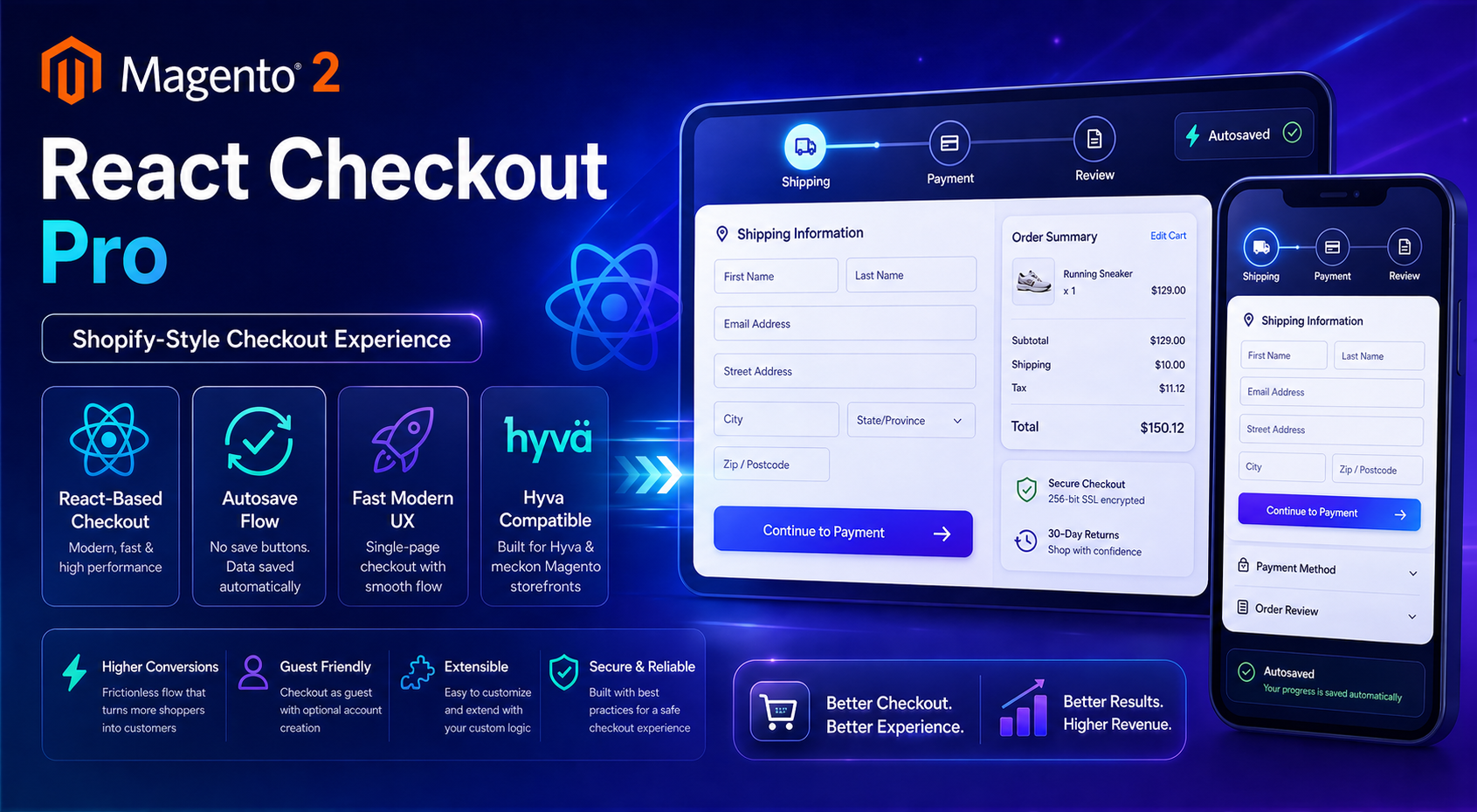
The Magento 2 React Checkout Pro extension replaces Magento’s default /checkout with a React-powered, Hyvä-friendly single-page experience. Shoppers keep moving while the module autosaves contact, address, shipping, and payment selections.
- Faster, modern UI designed for conversion and mobile
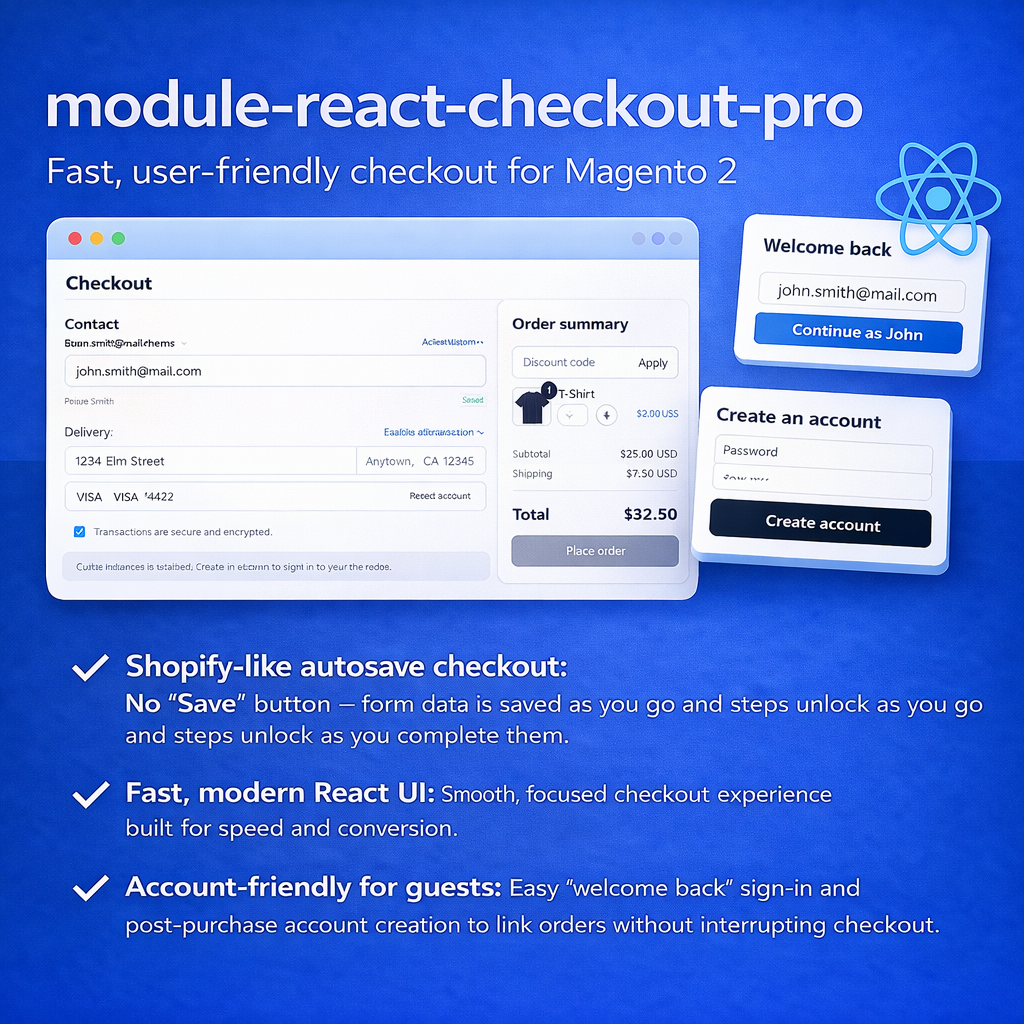
- Shopify-like autosave — no manual save buttons to unlock steps
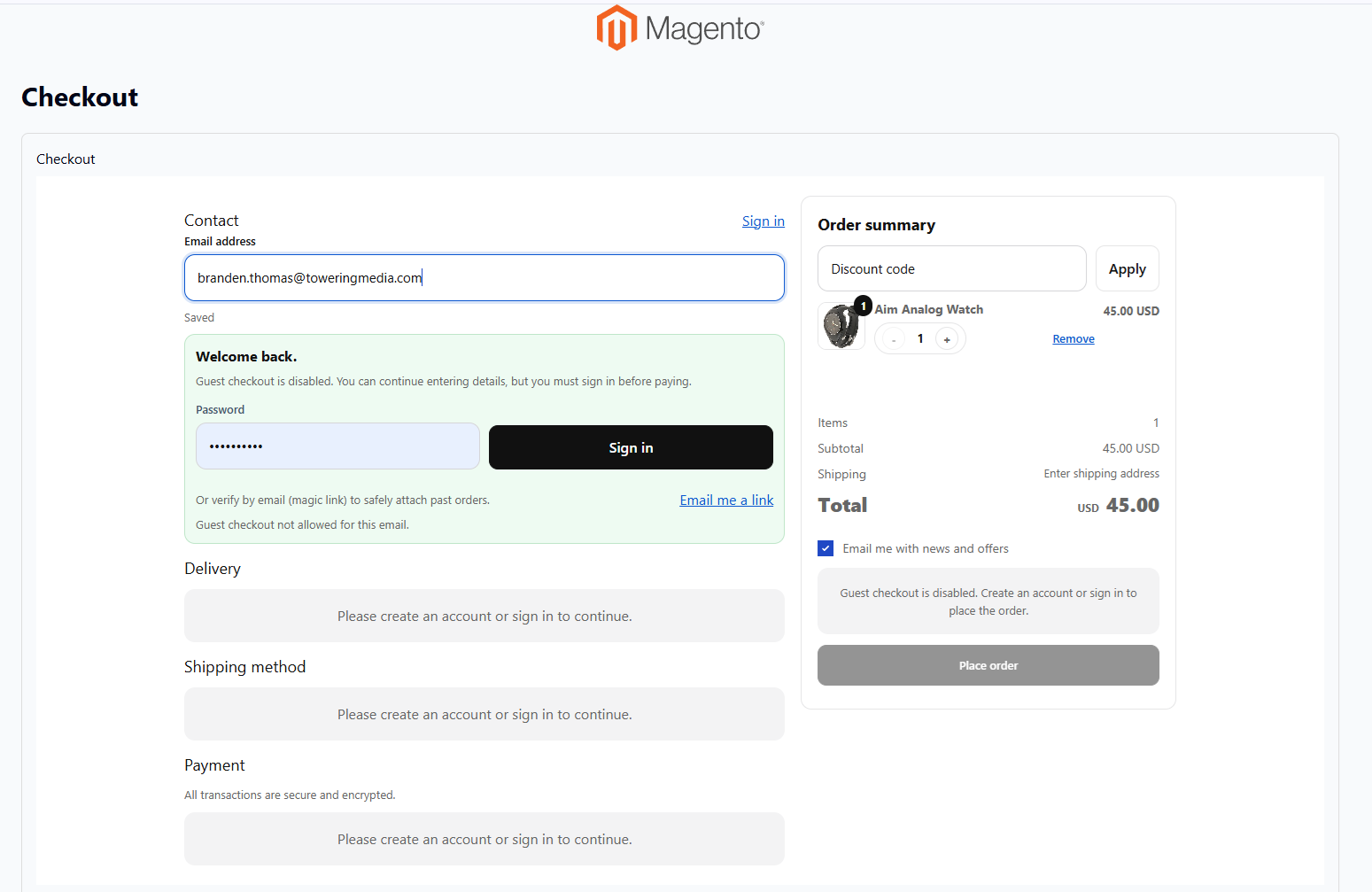
- Guest-friendly checkout with Magento guest-policy awareness
- Optional post-purchase account creation without blocking the order
- Works with typical Magento payment and shipping setups
- Extensible architecture for custom rules and payment add-ons
Key Features
- Replaces
/checkoutwith a React single-page checkout - Autosave as the shopper types; steps unlock progressively
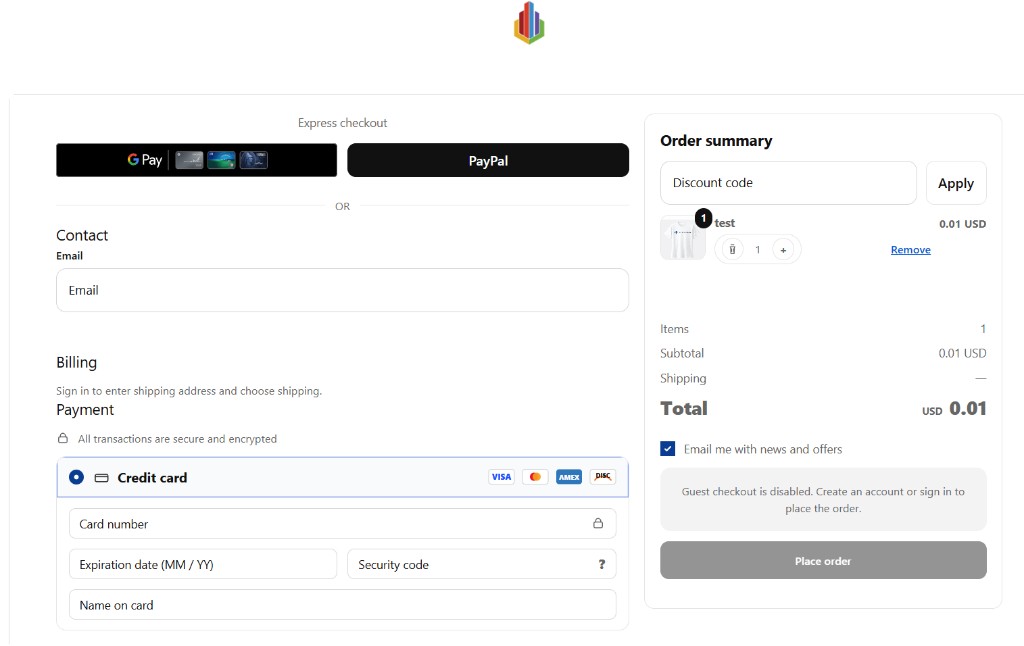
- Discount / coupon field (configurable)
- Payment grouping with “Show more options” disclosure
- Optional Express wallet section (Apple Pay / Google Pay / PayPal via Express add-on)
- Shipping Guard protections for quote stability
- Optional payment-failure alert email
- Open Source & Adobe Commerce Magento 2.4.x
System Requirements
- Magento: 2.4.x (Open Source & Adobe Commerce)
- PHP: 8.1, 8.2, or 8.3 (7.4 listed on older installs)
- Towering Media Composer repository credentials
- CLI access for enable / upgrade / static deploy
- For Express wallets:
toweringmedia/module-react-checkout-pro-express, Authorize.Net module, and HTTPS storefront
General Composer install steps for Towering Media modules: Installation guide.
Installation Overview
Step 1: Authenticate Composer
Add your Towering Media credentials to auth.json in the Magento root (same pattern as other Towering Media extensions).
Step 2: Require the package
composer require toweringmedia/module-react-checkout-proStep 3: Enable, upgrade, and collect assets
php bin/magento module:enable Toweringmedia_ReactCheckoutPro
php bin/magento setup:upgrade
php bin/magento setup:di:compile
php bin/magento setup:static-content:deploy -f
php bin/magento toweringmedia:react-checkout-pro:collect
php bin/magento cache:flush
Production stores should follow your normal deploy process (compile + static content as needed). Exact CLI names are confirmed in the package after install.
Need help installing? Contact Towering Media or browse more modules in Checkout & Payments.
Configure in Admin
- Log in to Magento Admin.
- Go to Stores → Configuration → Sales → Checkout React Pro → Checkout.
- Set Enable React Checkout Pro to Yes (takes over
/checkout). - Leave Enable Express Checkout Section = No until Express dependencies are complete.
- Set Enable Discount Code Field = Yes (typical starting value).
- Keep Show Vendor Name (Debug) = No in production.
- Enable Show more options for secondary payment methods; label defaults to “Show more options”.
- Save Config, then flush cache.
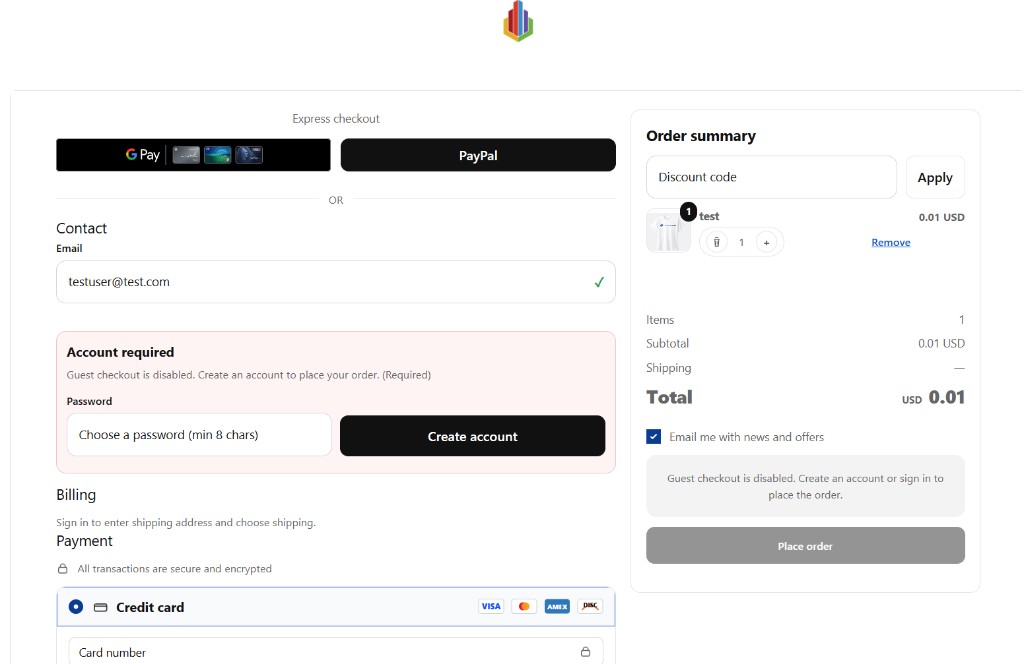
Field-level reference (reactcheckoutpro/checkout/*, Shipping Guard, Apple Pay domain association) lives in the wiki configuration table.
Express Wallets & Add-ons
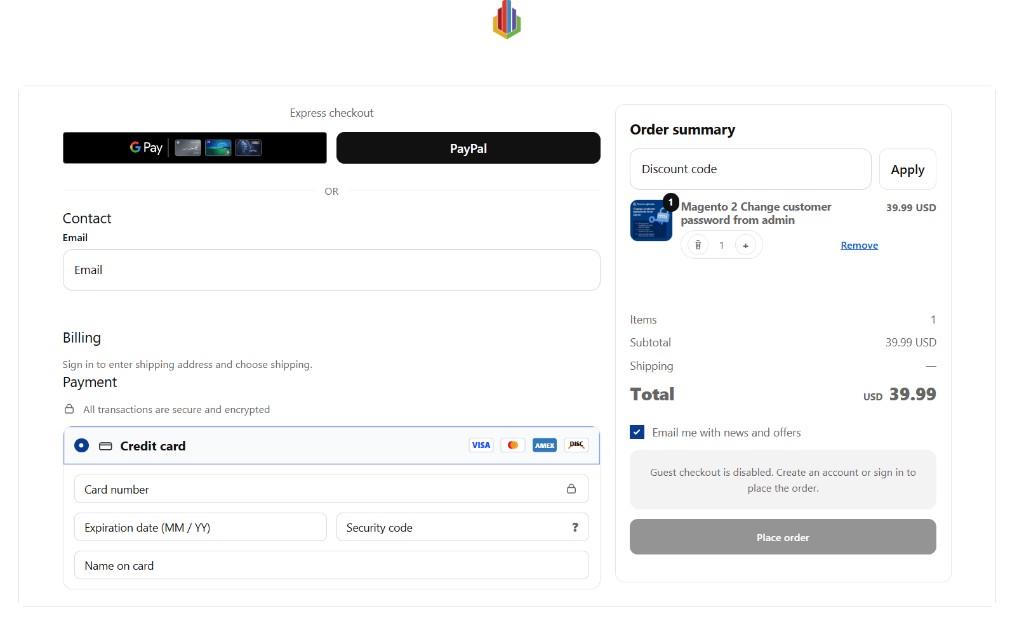
Express buttons (Apple Pay, Google Pay, PayPal Wallet) are an optional layer—not part of the base module alone.
- Install React Checkout Pro Express Add-on (
toweringmedia/module-react-checkout-pro-express) - Require Authorize.Net for React Checkout Pro where Express depends on it
- Serve the storefront over HTTPS
- Then set Enable Express Checkout Section = Yes in Checkout React Pro config
Related checkout products: React Checkout Pro Bundle, Moneris for Hyvä & React Checkout Pro, and fulfillment / pickup add-ons in Checkout & Payments.
Go-Live Validation
Before promoting to production, walk this checklist (full detail on the wiki):
/checkoutloads React Checkout Pro for a normal cart- Autosave works for contact, address, shipping, and payment
- Virtual carts hide/skip shipping correctly
- Guest policy matches Magento config
- Primary payment method can place an order
- Express buttons appear only when prerequisites are met
- No critical JS console errors or blocking Magento checkout log errors
Troubleshooting
Checkout page is blank
- Check the browser console for JavaScript runtime errors
- Redeploy static content and flush cache
- Confirm
toweringmedia:react-checkout-pro:collectwas run after install/upgrade
“Account required” appears unexpectedly
- Confirm Magento
checkout/options/guest_checkout - If guest is No, account-required is expected
- If guest is Yes, recheck cached config and store scope
Express buttons do not show
- Confirm Express module + Authorize.Net are installed and enabled
- Confirm Enable Express Checkout Section = Yes
- Confirm the storefront is HTTPS
Payment fields / tokenization fail
- Verify gateway credentials and active method state (Moneris, Authorize.Net, etc.)
- Hard-refresh checkout to clear stale session / form-key state
Shipping quotes missing or inconsistent
- Verify carrier modules are configured and active
- Review Shipping Guard throttle / cache settings in the wiki
- Confirm address and cart data are complete
Still stuck? Contact support with browser console errors and the relevant Magento system.log / exception.log lines (never send API keys or card data).
Frequently Asked Questions
Is React Checkout Pro compatible with Hyvä?
Yes. It is designed for Hyvä-compatible storefronts and replaces the default checkout with a faster React single-page experience.
Does it support guest checkout?
Yes, when Magento Allow Guest Checkout is enabled. When guest checkout is disabled, the UI enforces account requirements before Place Order.
Will my existing payment and shipping methods work?
React Checkout Pro is built to integrate with Magento payment gateways and shipping methods. Validate each method you rely on in staging. Dedicated connectors such as Moneris and Authorize.Net are available for React Checkout Pro merchants.
Do I need Express for basic checkout?
No. The base module delivers the React checkout. Express is optional for digital wallets at the top of the page.
Where is the deepest documentation?
This CMS page is the shopper-friendly overview. Install, config tables, and go-live checklists live on the wiki user guide. The product page User Guide button continues to open the wiki. General Composer install: Installation.
How much does it cost?
$499 for Magento 2 React Checkout Pro (see current pricing and auto-renew options on the Magento 2 single page checkout product page).
Related Extensions & Resources
Want our Magento team to handle it?
Towering Media installs, configures, and customizes React Checkout Pro for Magento 2 stores — along with payment gateway setup, checkout customization, and React or one-page checkout builds.
Get the Extension
Replace slow, multi-step Magento checkout with a React single-page flow. Autosave UX, Hyvä-friendly performance, and optional Express wallets—without a full headless rebuild.
Need the full install checklist? Open the full wiki guide.