
Magento 2 Resource Center User Guide
Equipment and parts catalogs need more than a blog. This guide covers Towering Media Resource Center ($349)—a Magento-native educational library with hierarchical categories, SEO resources, FAQs, assets, and related products.
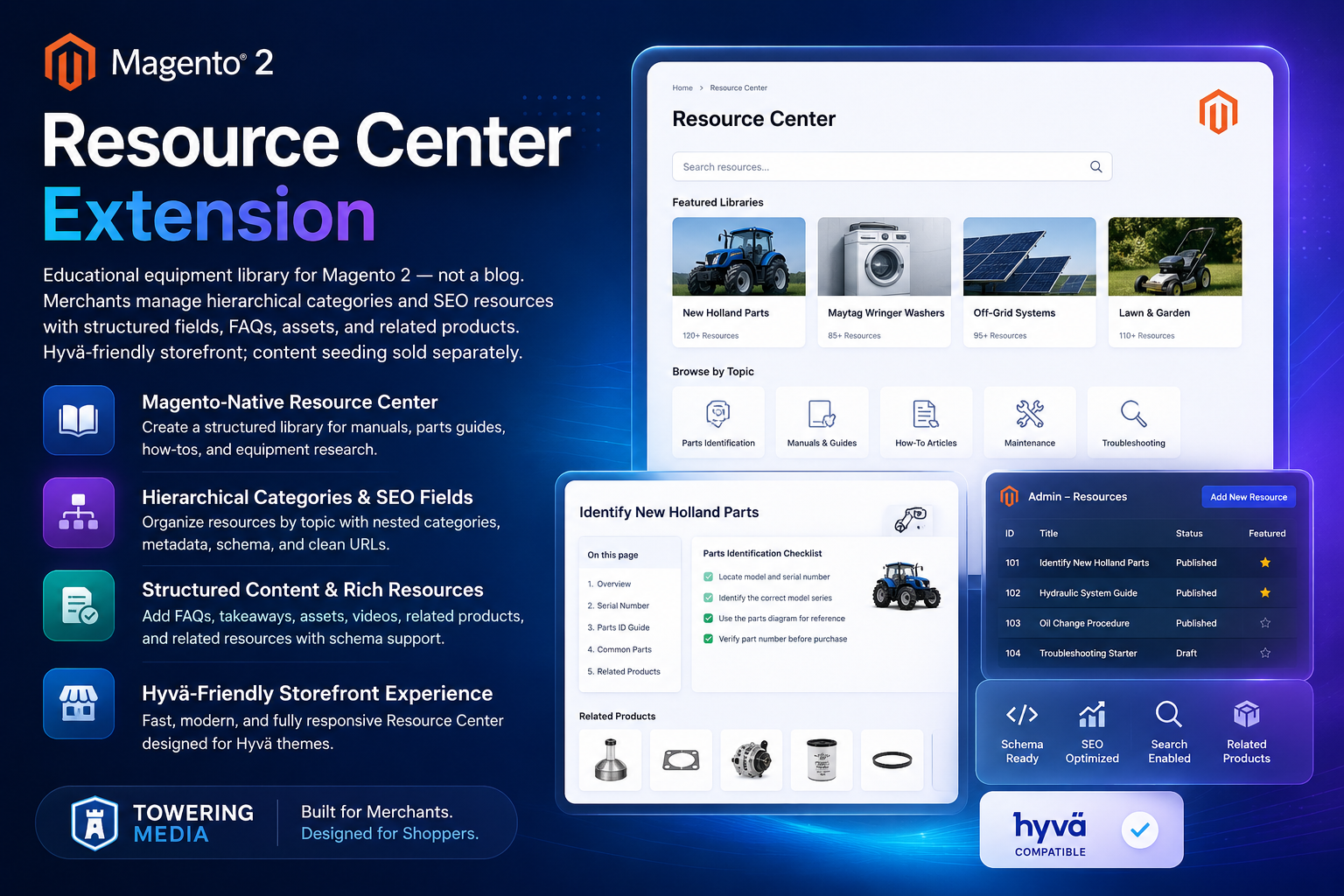
Product: Magento 2 Resource Center Extension. Pair with Product FAQ and Product Attachment. Installation · Contact.
Table of Contents
Why Blogs Are Not Equipment Libraries
Parts and equipment merchants need hierarchical identification content, structured fields, assets, and related SKUs—not a chronological blog.
- Hard to organize by brand / model / system
- Weak internal linking to sellable products
- Content teams need Magento-native admin tools
What This Extension Solves
Resource Center is an educational equipment library for Magento 2: hierarchical categories, SEO resources with structured fields, FAQs, assets, and related products. Hyvä-friendly storefront.
Key Features
- Hierarchical category trees
- SEO-friendly resource pages with structured fields
- FAQs and downloadable assets
- Related products to connect content → commerce
- Hyvä-friendly storefront
System Requirements
- Magento 2.4.x · PHP 8.1+
toweringmedia/module-base- TM Composer credentials
Installation Overview
composer require toweringmedia/module-resource-center
php bin/magento module:enable Toweringmedia_ResourceCenter
php bin/magento setup:upgrade
php bin/magento cache:flushConfigure Libraries & Resources
- Enable Resource Center in admin
- Create category hierarchy for your library
- Add resources with SEO fields, FAQs, and assets
- Attach related products
- Flush cache and verify storefront URLs
Storefront Library Experience
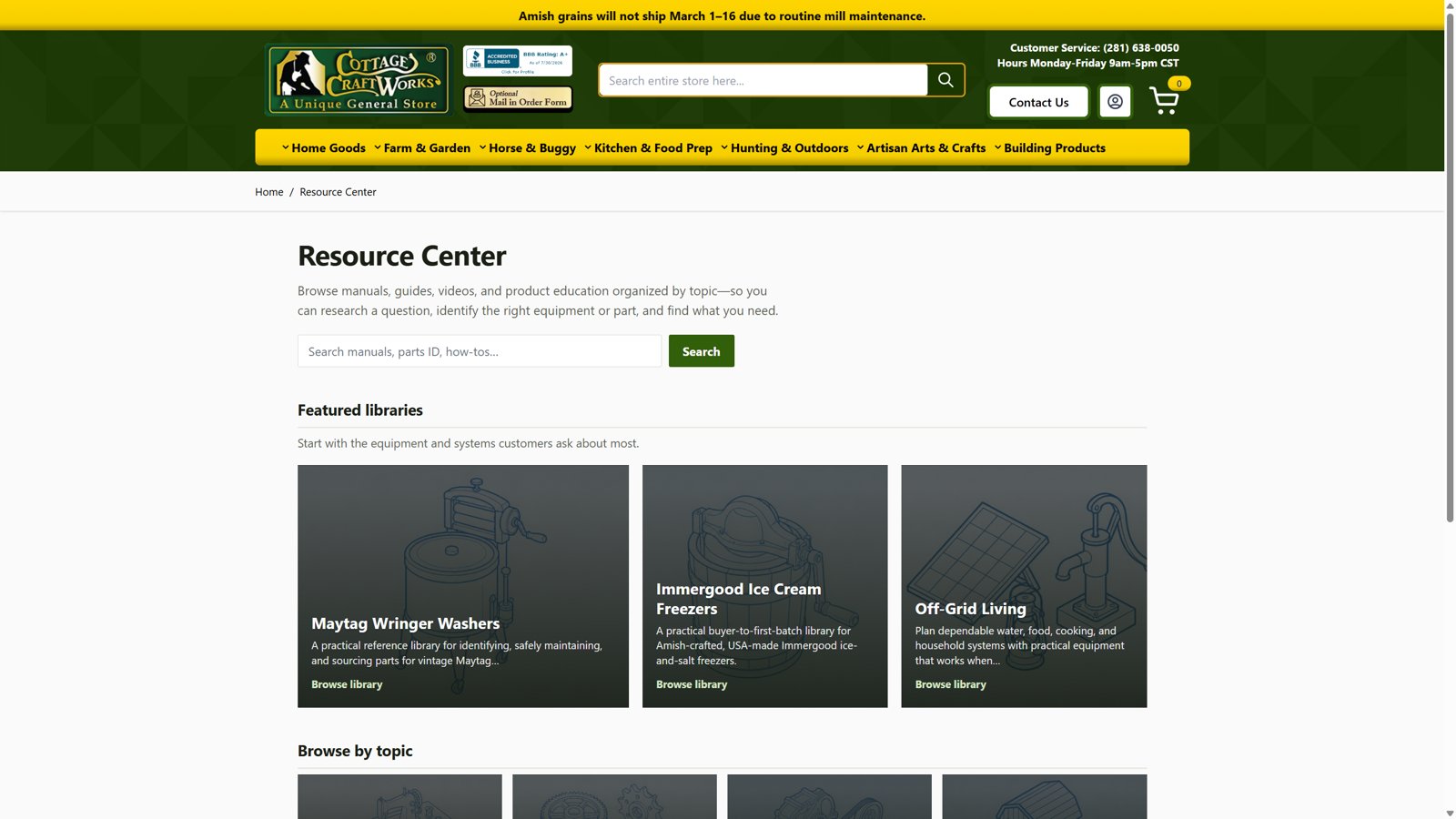
- Browse hierarchical categories
- Open resource detail pages with assets/FAQs
- Follow related products into the catalog
Troubleshooting
- 404s → URL rewrites / cache / store scope
- Missing related products → assignment on the resource
- Assets not downloading → media permissions / CDN
Frequently Asked Questions
Is this a blog?
No—it is an educational equipment/resource library.
Price?
$349 — content seeding may be separate.
Related Extensions & Resources
Want our Magento team to handle it?
Towering Media installs, configures, and customizes Resource Center for Magento 2 stores — along with Hyvä theme development, storefront design, and front-end customization.
Get the Extension
Build an equipment library inside Magento. Hierarchical resources, FAQs, assets, and related products—Hyvä-friendly.