
React Checkout Pro Express Add-on User Guide
React Checkout Pro Express Add-on User Guide
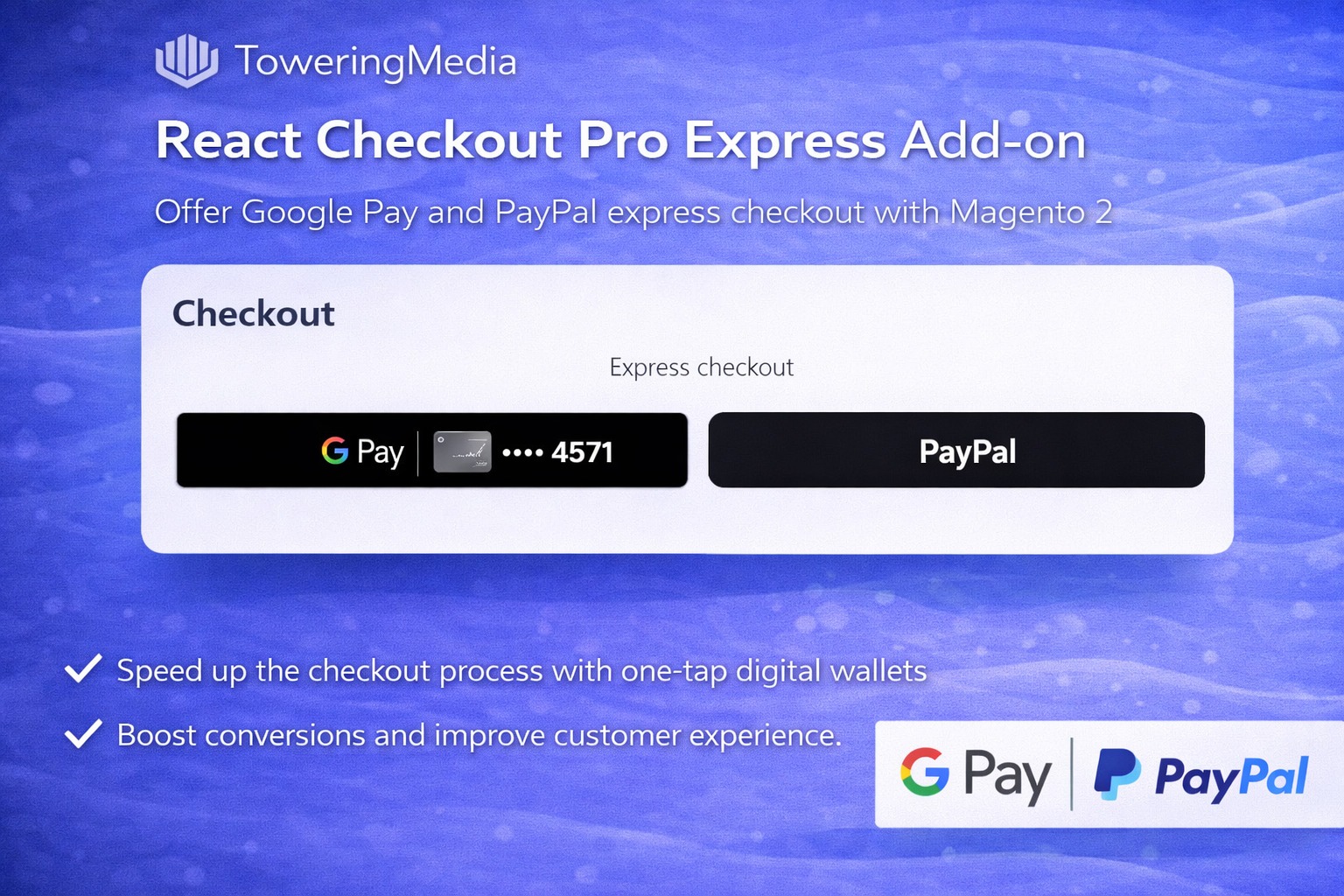
Wallet buttons belong at the top of checkout. This guide covers the Towering Media React Checkout Pro Express Add-on ($199.99)—Apple Pay, Google Pay, and PayPal Express on RCP—plus install overview, configuration, and FAQ.
For deep configuration screenshots and edge cases, see the detailed wiki documentation. Product details and add-to-cart live on the React Checkout Pro Express Add-on page.
Table of Contents
Why Checkout Needs Express Wallets
Even a fast React checkout loses mobile buyers who expect Apple Pay / Google Pay up top:
- Form fatigue — typing email/address on phones
- Wallet absence — competitors show Apple Pay; you do not
- PayPal detours — legacy PayPal redirects feel dated
- Device mismatch — showing buttons that cannot work
What This Extension Solves
RCP Express adds an express wallet row above the RCP form and only shows buttons that can work for the shopper’s device/browser.
- Express checkout row at the top of RCP
- Apple Pay (Safari + verified domain)
- Google Pay on supported browsers
- PayPal Express with address/email return
- Admin toggle (often disabled by default on install)
- Guest checkout aware account handling
Key Features
- Depends on toweringmedia/module-react-checkout-pro
- Integrates with Authorize.Net wallet capabilities
- Smart button visibility per device
System Requirements
- React Checkout Pro installed and working
- Authorize.Net module/credentials for wallets as required
- Apple Pay domain verification for production
- HTTPS storefront
General Composer install steps for Towering Media modules: Installation guide.
Installation Overview
Step 1: Authenticate Composer
Add your Towering Media credentials to auth.json in the Magento root (same pattern as other Towering Media extensions).
Step 2: Require the package
composer require toweringmedia/module-react-checkout-pro-expressStep 3: Enable and upgrade
php bin/magento module:enable Toweringmedia_ReactCheckoutProExpress
php bin/magento setup:upgrade
php bin/magento setup:di:compile
php bin/magento setup:static-content:deploy -f
php bin/magento cache:flush
Exact module enable name may match your package’s registration.php / module.xml—confirm in the package after install. Production stores should follow your normal deploy process.
Need help installing? Contact Towering Media or browse more modules in Magento 2 Extensions.
Enable Express Buttons
- Composer require the Express package; enable Toweringmedia_ReactCheckoutProExpress.
- Enable Express in RCP / Express admin config (disabled by default on many installs).
- Configure Apple Pay / Google Pay / PayPal per wiki + Authorize.Net settings.
- Complete Apple Pay domain association on production.
- Save Config; flush cache; redeploy static if needed.
Device & Browser Matrix
Validate each wallet you enable:
- Apple Pay appears only on eligible Apple devices/Safari
- Google Pay appears on eligible Chrome sessions
- PayPal Express returns email/shipping into RCP
- Guest vs logged-in paths both complete
Troubleshooting
Apple Pay missing
- Confirm domain verification file is live
- Use Safari on an Apple device with a card in Wallet
- Confirm Express enabled in admin
PayPal address not applied
- Confirm PayPal Express credentials
- See wiki for Set/Get Express Checkout flow notes
Frequently Asked Questions
Standalone without RCP?
No—this is an add-on to React Checkout Pro.
Deep docs?
RCP Express wiki; also RCP CMS guide.
Price?
$199.99 on the product page.
Related Extensions & Resources
Want our Magento team to handle it?
Towering Media installs, configures, and customizes React Checkout Pro Express Add-on for Magento 2 stores — along with payment gateway setup, checkout customization, and React or one-page checkout builds.
Get the Extension
Put Apple Pay, Google Pay, and PayPal Express on React Checkout Pro—wallet-first checkout without abandoning RCP.
Prefer screenshots and deep steps? Open the full wiki guide.