
Magento 2 Hyvä Child Navigation User Guide
Magento 2 Hyvä Child Navigation User Guide
Deep catalogs need clearer child-category paths in Hyvä menus. This guide covers Towering Media Hyvä Child Navigation ($249)—enhanced child category navigation for Hyvä—plus how it is delivered and FAQ.
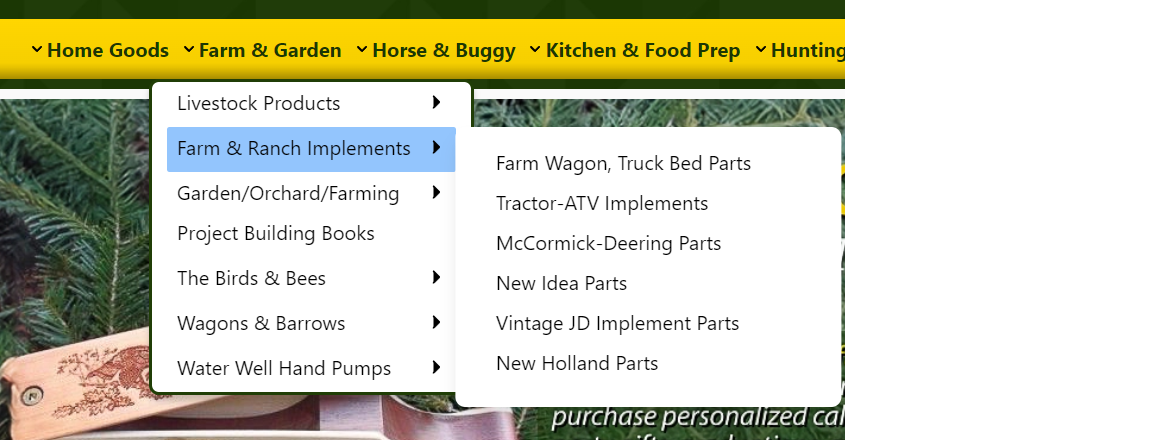
For deep configuration screenshots and edge cases, see the detailed wiki documentation. Product details and add-to-cart live on the Magento 2 Hyva Child Navigation Extension page.
Table of Contents
Why Hyvä Menus Need Child Clarity
Large Hyvä catalogs can bury child categories behind weak menu patterns:
- Hidden children — shoppers never see mid-tree categories
- Mobile friction — nested menus hard to tap
- Custom theme drift — one-off menu hacks per client
- Performance fear — heavy mega-menus hurt CWV
What This Extension Solves
Hyvä Child Navigation enhances Hyvä storefront navigation with improved child category menu behavior.
- Child category navigation enhancements for Hyvä
- Responsive, performance-minded menu patterns
- Compatible with Magento 2.4.x
- Integrates with Hyvä theme architecture
Key Features
- Hyvä-focused (not a Luma port)
- Admin configuration for navigation behavior
- Works alongside layered navigation on PLPs
System Requirements
- Magento 2.4.x
- Hyvä Theme
How This Is Delivered
How an engagement usually runs:
- Tell us about your Hyvä theme, your category structure, and how you want child categories to behave on desktop and mobile.
- We scope the work and confirm price and timeline with you before anything starts.
- We build the child navigation against your Hyvä theme and configure your menu behavior.
- We validate on staging, then deploy to production with you.
Related service: Hyvä Theme & Performance. Not sure whether you need this? Talk to Towering Media and we will tell you straight.
Enable Child Navigation
- Towering Media builds and enables child navigation on your Hyvä theme.
- Configure navigation options per wiki.
- Assign categories include_in_menu appropriately.
- Save; flush cache; redeploy static if needed.
Validate Menu Desktop & Mobile
Walk top-level and nested paths:
- Child categories appear as designed
- Keyboard/focus behavior acceptable
- No Alpine Expression errors
- Category PLPs still load quickly
Troubleshooting
Menu unchanged after install
- Confirm Hyvä theme is active
- Flush caches; redeploy static
- Check for theme override conflicts
Console Alpine errors
- Compare with Hyvä menu patterns on wiki
- Disable conflicting menu modules on staging
Frequently Asked Questions
Luma support?
This extension targets Hyvä stores.
Deep docs?
Price?
$249 on the product page.
Related Extensions & Resources
Want our Magento team to handle it?
Towering Media installs, configures, and customizes Hyvä Child Navigation for Magento 2 stores — along with Hyvä theme development, storefront design, and front-end customization.
Get the Extension
Make Hyvä category children discoverable—clearer navigation without a one-off theme rewrite.
Prefer screenshots and deep steps? Open the full wiki guide.