
Magento 2 CMS Revisions User Guide
Magento 2 CMS Revisions User Guide
CMS edits without history are accidents waiting to happen. This guide covers Towering Media CMS Revisions ($149)—immutable page/block revision history with restore—plus install overview, configuration, and FAQ.
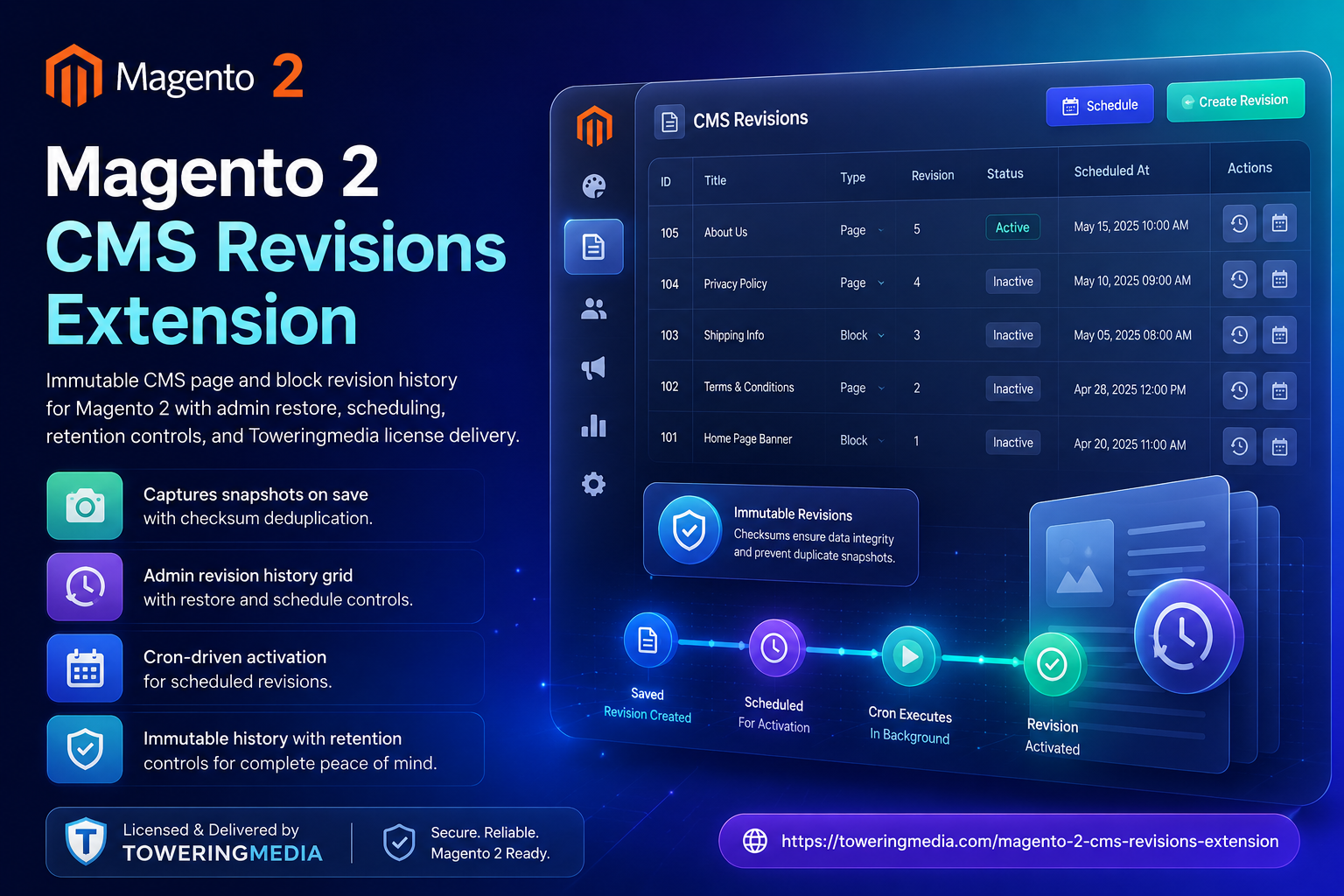
For deep configuration screenshots and edge cases, see the detailed wiki documentation. Product details and add-to-cart live on the Magento 2 CMS Revisions Extension page.
Table of Contents
Why CMS Changes Are Risky
Native Magento CMS pages/blocks lack durable revision history merchants expect from modern CMS tools:
- Overwrite with no undo — one Save destroys yesterday’s hero copy
- Multi-admin collisions — who changed the homepage?
- Campaign rollback pain — hard to restore last week’s landing page
- Audit gaps — compliance teams want history
What This Extension Solves
CMS Revisions stores immutable history for CMS pages and blocks so you can restore earlier versions.
- Revision history for CMS pages and blocks
- Restore prior content safely
- Scheduling-oriented workflows (see wiki for version details)
- Admin UI integrated into Magento CMS edit flows
Key Features
- Immutable revision records
- Magento 2.4 compatible
- Useful for agencies managing client storefronts
System Requirements
- Magento 2.4.x
- Admin users with CMS edit permissions
- Towering Media Composer credentials
General Composer install steps for Towering Media modules: Installation guide.
Installation Overview
Step 1: Authenticate Composer
Add your Towering Media credentials to auth.json in the Magento root (same pattern as other Towering Media extensions).
Step 2: Get your package name and access
Step 3: Enable and upgrade
php bin/magento setup:upgrade
php bin/magento setup:di:compile
php bin/magento setup:static-content:deploy -f
php bin/magento cache:flush
Exact module enable name may match your package’s registration.php / module.xml—confirm in the package after install. Production stores should follow your normal deploy process.
Need help installing? Contact Towering Media or browse more modules in Magento 2 Extensions.
Use Revisions in Admin
- Enable the module after Composer install.
- Edit a CMS page; Save to create a revision snapshot (per module behavior).
- Open Revisions UI on the page/block edit screen.
- Preview/compare as documented on the wiki; Restore when needed.
- Flush cache after restore if the storefront still shows old FPC content.
Restore Dry Run
Practice on a non-critical CMS block first:
- Make a deliberate edit and save
- Confirm a new revision appears
- Restore the previous revision
- Verify storefront shows restored content after cache flush
Troubleshooting
No revisions listed
- Confirm module enabled and setup:upgrade completed
- Save the CMS entity at least once after install
- Check ACL for the admin role
Frequently Asked Questions
Does this version products?
No—focused on CMS pages/blocks. Catalog versioning is separate.
Page Builder compatible?
See wiki notes for your Magento edition and Page Builder usage.
Deep docs?
Price?
$149 on the product page.
Related Extensions & Resources
Want our Magento team to handle it?
Towering Media installs, configures, and customizes CMS Revisions for Magento 2 stores — along with ongoing Magento maintenance, admin tooling, email deliverability, and reporting.
Get the Extension
Edit CMS with a safety net—immutable revisions and restore when a publish goes wrong.
Prefer screenshots and deep steps? Open the full wiki guide.