
Magento 2 Allow Emoji (UTF8MB4) User Guide
Magento 2 Allow Emoji (UTF8MB4) User Guide
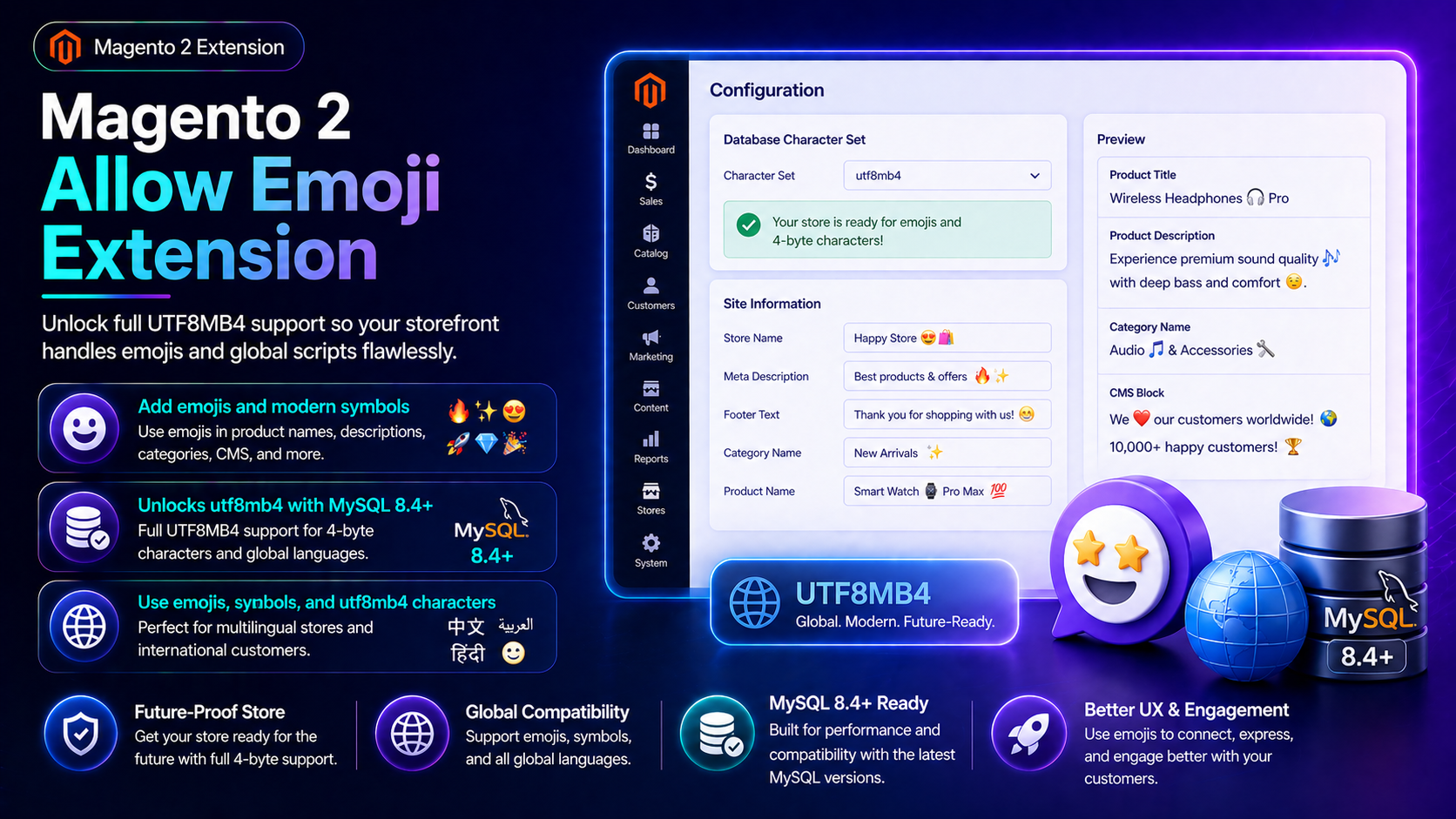
Emojis and many global scripts need 4-byte Unicode. This guide covers the Towering Media Allow Emoji / UTF8MB4 Extension ($99)—convert required MySQL tables safely so Magento can store and display emoji—plus install overview and FAQ.
For deep configuration screenshots and edge cases, see the detailed wiki documentation. Product details and add-to-cart live on the Magento 2 Allow Emoji Extension page.
Table of Contents
Why Magento Truncates Emoji
Default Magento MySQL charset setups often stop at utf8 (3-byte), which cannot store emoji:
- Silent truncation — emoji vanish on save
- Broken imports — marketplace feeds with emoji fail
- Reviews/messages — shoppers paste emoji that never persist
- Risky DIY ALTER — wrong index lengths break tables
What This Extension Solves
The Allow Emoji Extension migrates required Magento tables to UTF8MB4 so emoji and full Unicode work in catalog and content fields.
- Automated UTF8MB4 conversion for required tables
- Index-aware migrations
- Emoji in names, descriptions, reviews, and attributes
- Multilingual special characters preserved
- Magento 2.4 Open Source & Adobe Commerce
Key Features
- Safe migration-oriented design
- Composer package for Magento 2.4
- Pairs with content-heavy catalogs and UGC
System Requirements
- Magento 2.4.x
- MySQL/MariaDB with utf8mb4 support
- Database backup before install
- Towering Media Composer credentials
General Composer install steps for Towering Media modules: Installation guide.
Installation Overview
Step 1: Authenticate Composer
Add your Towering Media credentials to auth.json in the Magento root (same pattern as other Towering Media extensions).
Step 2: Require the package
composer require toweringmedia/module-allow-utf8mb4Step 3: Enable and upgrade
php bin/magento module:enable Toweringmedia_AllowUtf8mb4
php bin/magento setup:upgrade
php bin/magento setup:di:compile
php bin/magento setup:static-content:deploy -f
php bin/magento cache:flush
Exact module enable name may match your package’s registration.php / module.xml—confirm in the package after install. Production stores should follow your normal deploy process.
Need help installing? Contact Towering Media or browse more modules in Magento 2 Extensions.
Run UTF8MB4 Conversion Safely
- Backup the production database (mysqldump or host snapshot).
- Composer require / enable the module on staging first.
- Run setup:upgrade and follow wiki conversion steps.
- Flush cache; spot-check critical tables.
Validate Emoji Storage
Save emoji in a safe field first:
- Save a product name or description containing emoji
- Reload admin and storefront—emoji still present
- Customer review or attribute with emoji persists
- No MySQL errors in exception.log
Troubleshooting
Migration fails on large tables
- Run off-peak on staging first
- Increase MySQL timeouts per host guidance
- See wiki for table-by-table notes
Only some attributes work
- Confirm those EAV tables were converted
- Flush caches after schema changes
Frequently Asked Questions
Will this break my site?
Done correctly on a backup/staging path it is routine—never skip the DB backup.
Deep docs?
Price?
$99 on the product page.
Related Extensions & Resources
Want our Magento team to handle it?
Towering Media installs, configures, and customizes Allow Emoji (UTF8MB4) for Magento 2 stores — along with ongoing Magento maintenance, admin tooling, email deliverability, and reporting.
Get the Extension
Stop losing emoji on save—move Magento tables to UTF8MB4 with a purpose-built migration module.
Prefer screenshots and deep steps? Open the full wiki guide.